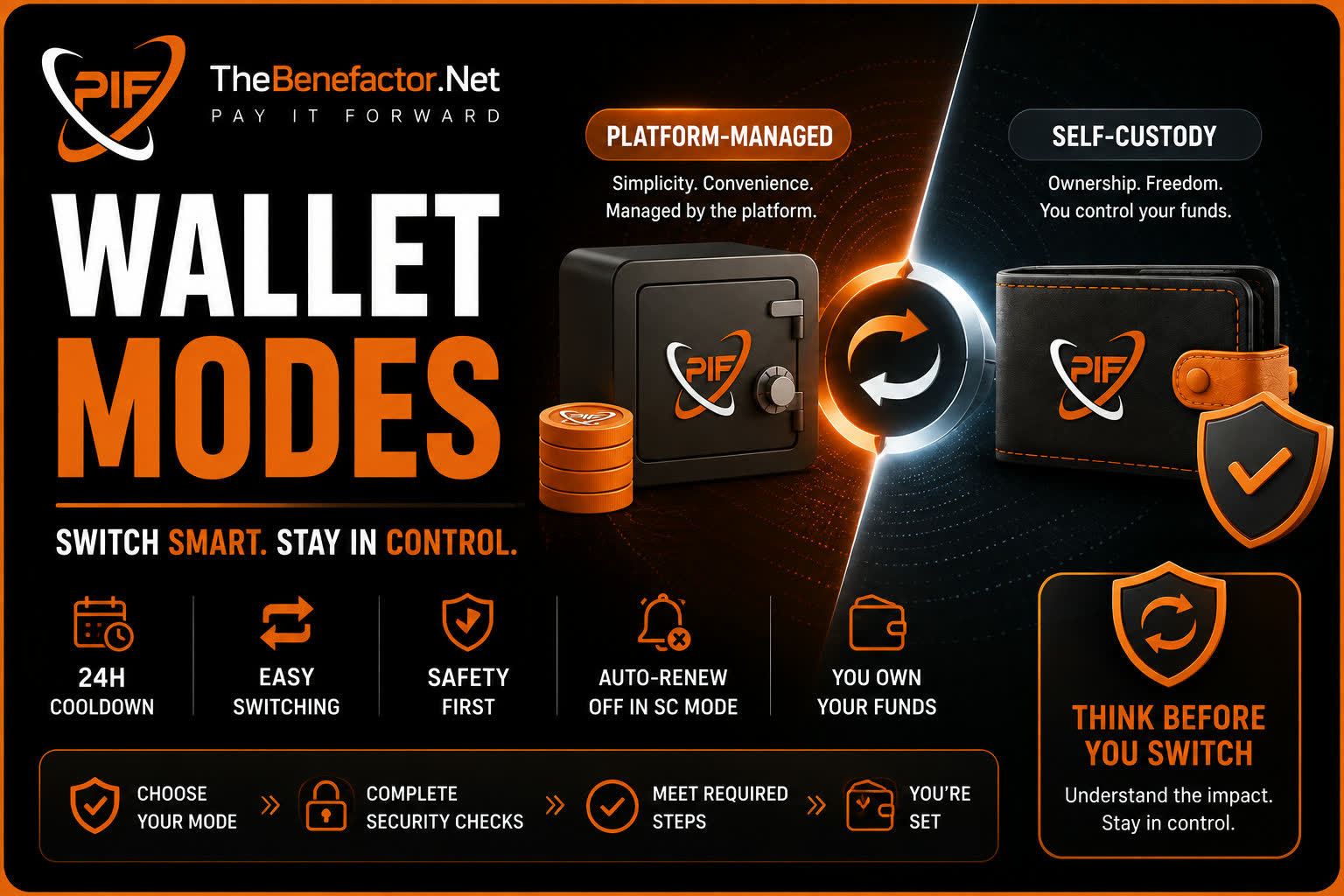
How switching works, what happens to money, and what stops working.
Switching wallet modes
- Go to Wallet Settings.
- Choose Platform-Managed or Self-Custody (External).
- Confirm any security checks (password/prompts if shown).
- Complete any required steps (e.g. connect + SIWE for external).
The first time you pick a mode (onboarding), cooldown usually does not apply.
Cooldown period
After you change modes, you typically wait before changing again.
- Default: 24 hours (platform setting; may vary).
- Purpose: reduce abuse and accidental flip-flopping.
- UI should show when you can switch next if you’re still in cooldown.
What happens to your funds
Leaving Managed for Self-Custody
You generally cannot switch while managed wallets still hold balance.
- Withdraw or transfer all non-zero managed balances.
- Resolve pending withdrawals and other blocking jobs if the site asks.
- Then switch.
Self-custody does not migrate your ledger balance into MetaMask automatically.
Leaving Self-Custody for Managed
Your on-chain tokens stay in your external wallet.
Managed mode uses platform ledgers again for new managed activity.
(Connect/verify may still matter if you return later.)
Subscription & auto-renew changes
When you switch to self-custody, the platform turns auto-renew off for things that used to charge your managed spending account, including, for example:
- Page premium-style subscriptions (auto-renew)
- Boosted/promoted posts (auto-renew)
- Banner ads (auto-renew)
- Related managed renewals
Why? In SC mode, the platform must not silently spend from a ledger you no longer use. You renew manually with an on-chain payment when something expires.
Email marketing plans and verified badge follow the same idea: manual renewal for SC.
Important limitations
In self-custody, you should expect:
| Limitation | Why |
|---|---|
| No classic deposit/withdraw to platform ledger | Tokens already live in your wallet |
| Auto-renew unavailable / cancelled | No server debit of your SC funds |
| Must use verified primary address | Stops paying with a random connected account |
| BNB-first for many site payments | Other networks may be limited |
| You pay gas | Normal blockchain cost |
| Verification required | Middleware may block SC actions until SIWE is done |
Also: some switches can be blocked by pending banner payments, pending blockchain txs, or pending withdrawals — clear those first.
FAQ
1. Why must I empty managed balances before SC?
So balances don’t get stuck in a ledger you can no longer spend from the same way. Withdraw first; then go SC.
2. Does cooldown reset if I fail a switch?
Cooldown is about successful mode changes. A blocked attempt (e.g. still has balance) usually doesn’t “use up” a switch the same way — check the error message.
3. Will my auto-renew come back if I return to managed?
Auto-renew that was cancelled stays off until you turn it back on (where the product allows). Don’t assume it re-enables itself.
4. Can support force a mode change for me?
Ask support for account help. They still cannot access your seed phrase or move SC funds without your signatures.