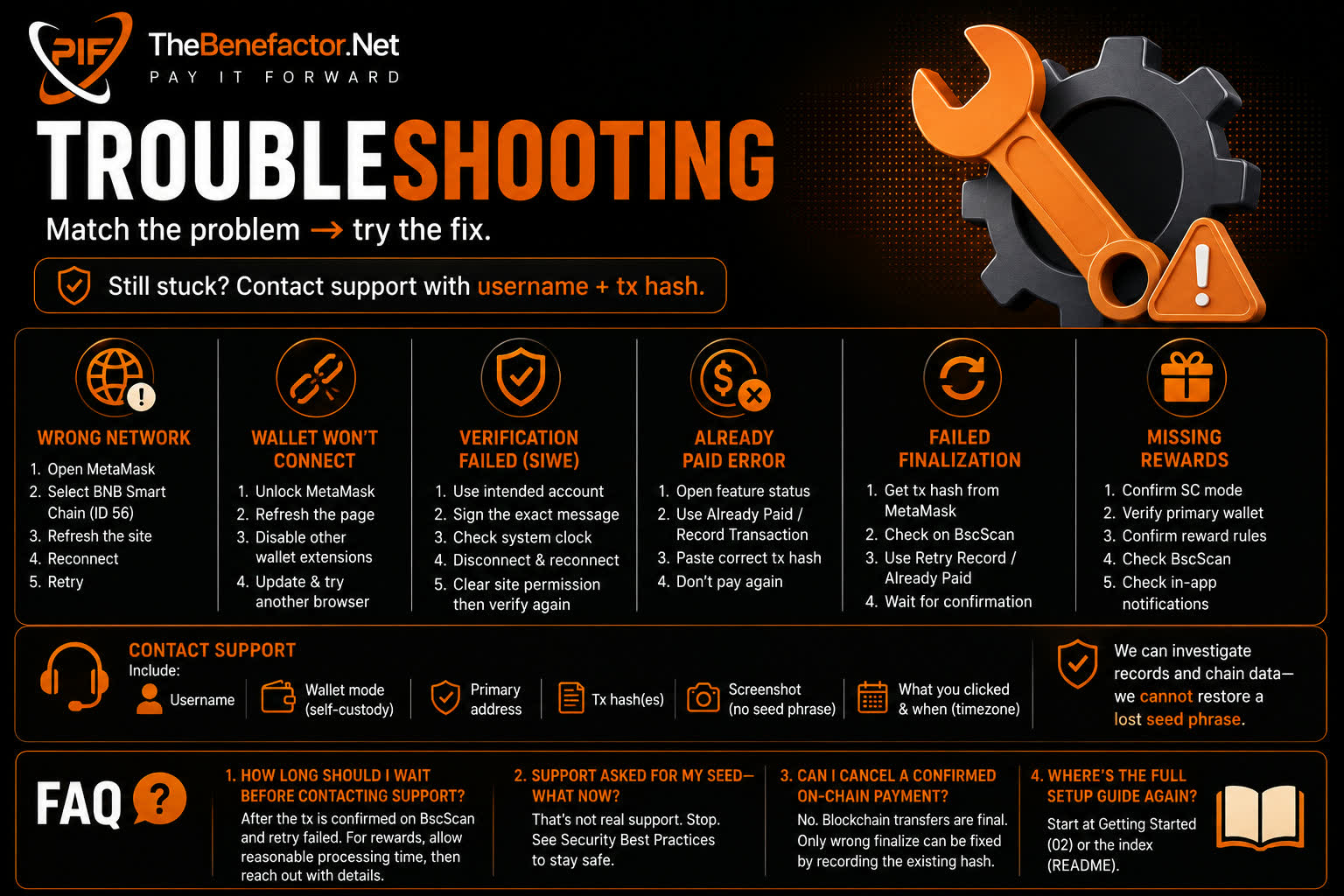
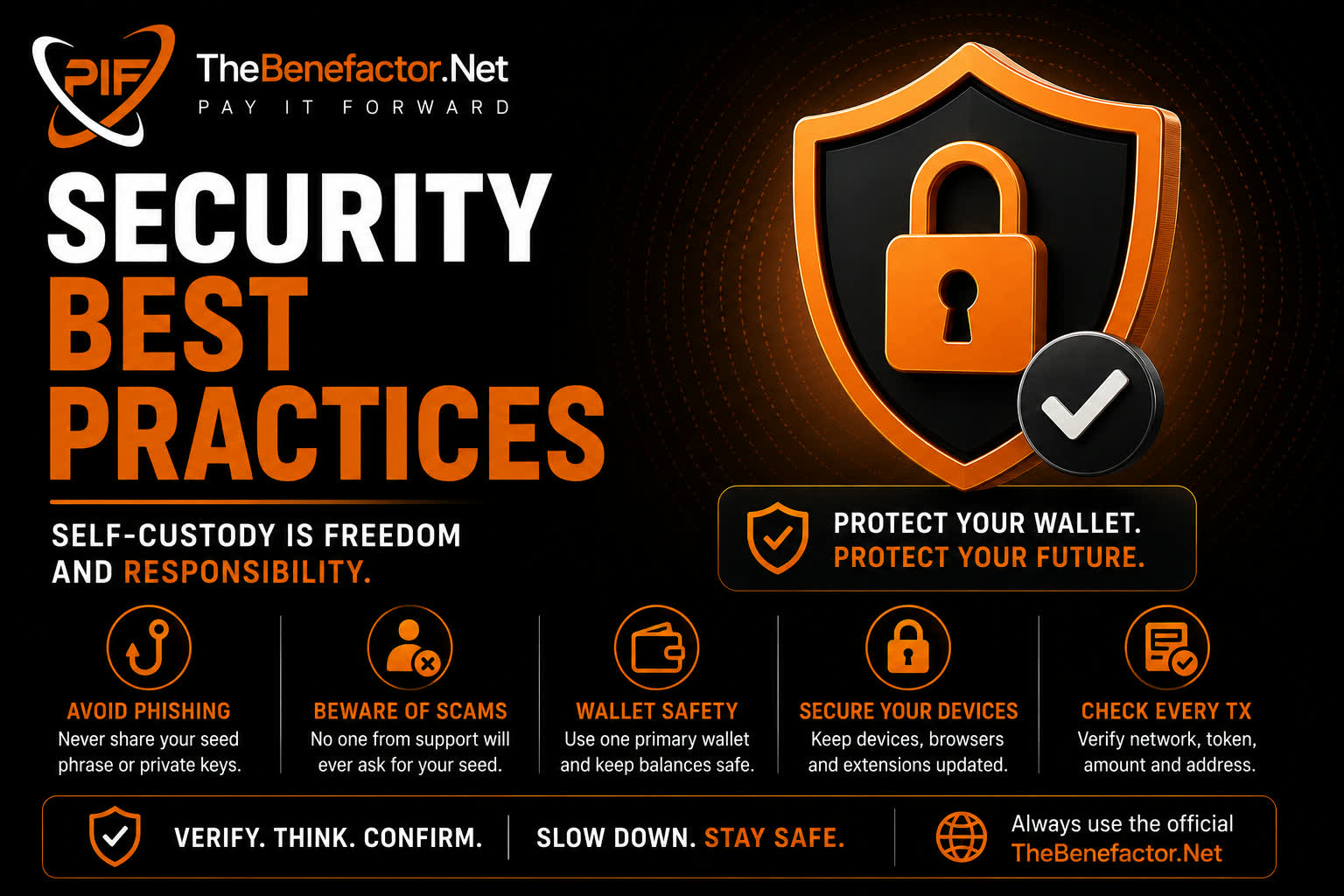
Self-custody is freedom and responsibility. These habits prevent most disasters.
Phishing protection
- Bookmark the real TheBenefactor.Net URL; use the bookmark.
- Check spelling: fake sites love lookalike domains.
- Prefer links from the app/email you already trust — not cold DMs.
- MetaMask will not email you to “re-sync” your seed.
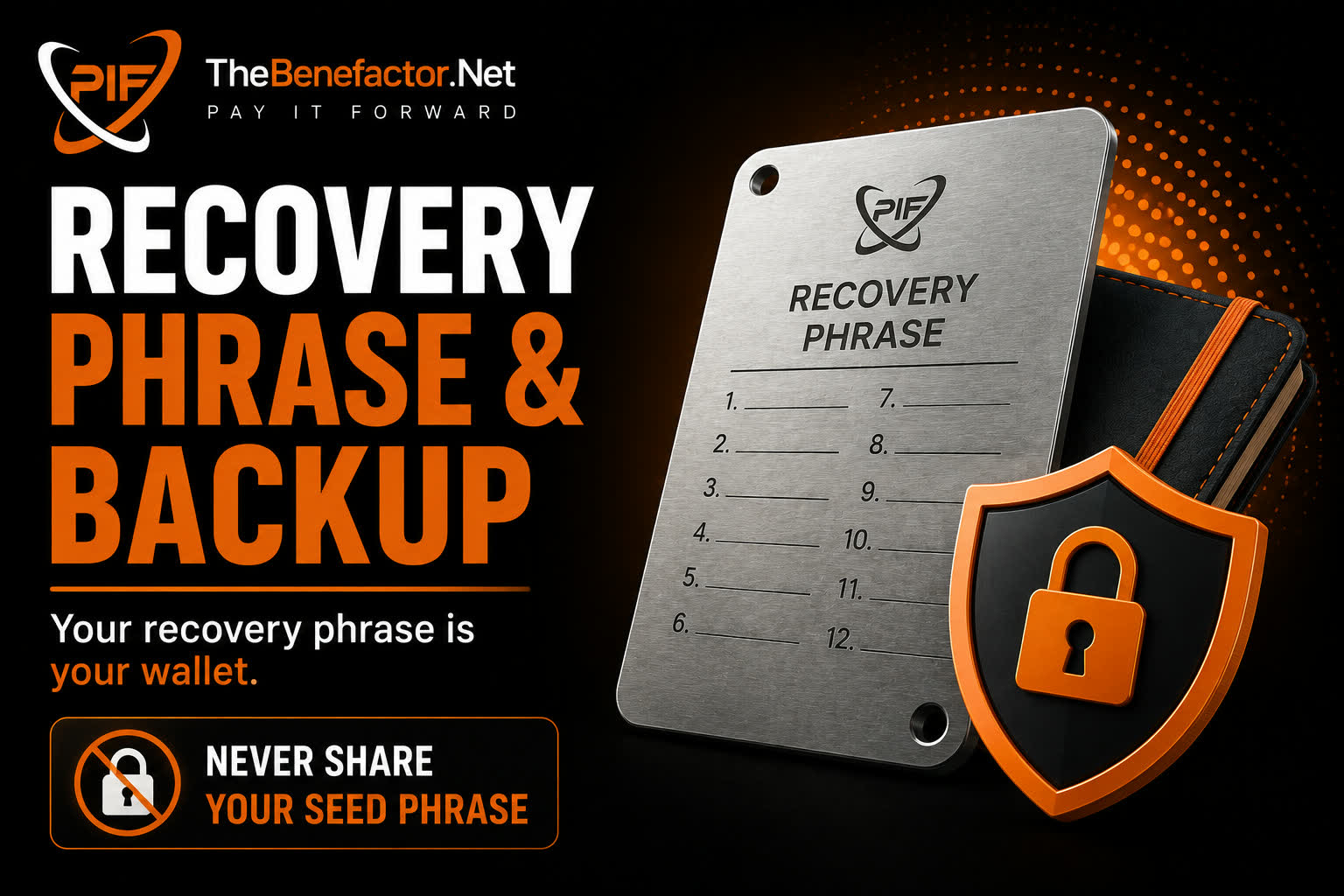
If a page asks for your 12/24 words, close it. Full stop. 🛑
Scam prevention
Common scams:
| Scam | Reality |
|---|---|
| “Support needs your seed” | Support never does |
| “Send PIF to verify” | Verification is a signature, not a send |
| “Guaranteed airdrop—connect here” | Often drainers |
| “Urgent: migrate wallet” | Use only official announcements |
Slow down when someone creates urgency.
Wallet safety
- One primary address for TheBenefactor.Net; don’t juggle randomly.
- Separate a small hot balance from long-term savings if you can.
- Revoke shady token approvals periodically (advanced users).
- Keep MetaMask and browser updated.
Device security
- OS + browser updates on.
- Avoid public computers for wallet work.
- Lock your phone/PC.
- Be careful with browser extensions—only install what you trust.
- Malware steals seeds from screenshots and clipboard — don’t copy seeds around.
Safe transaction habits
Before every Confirm in MetaMask:
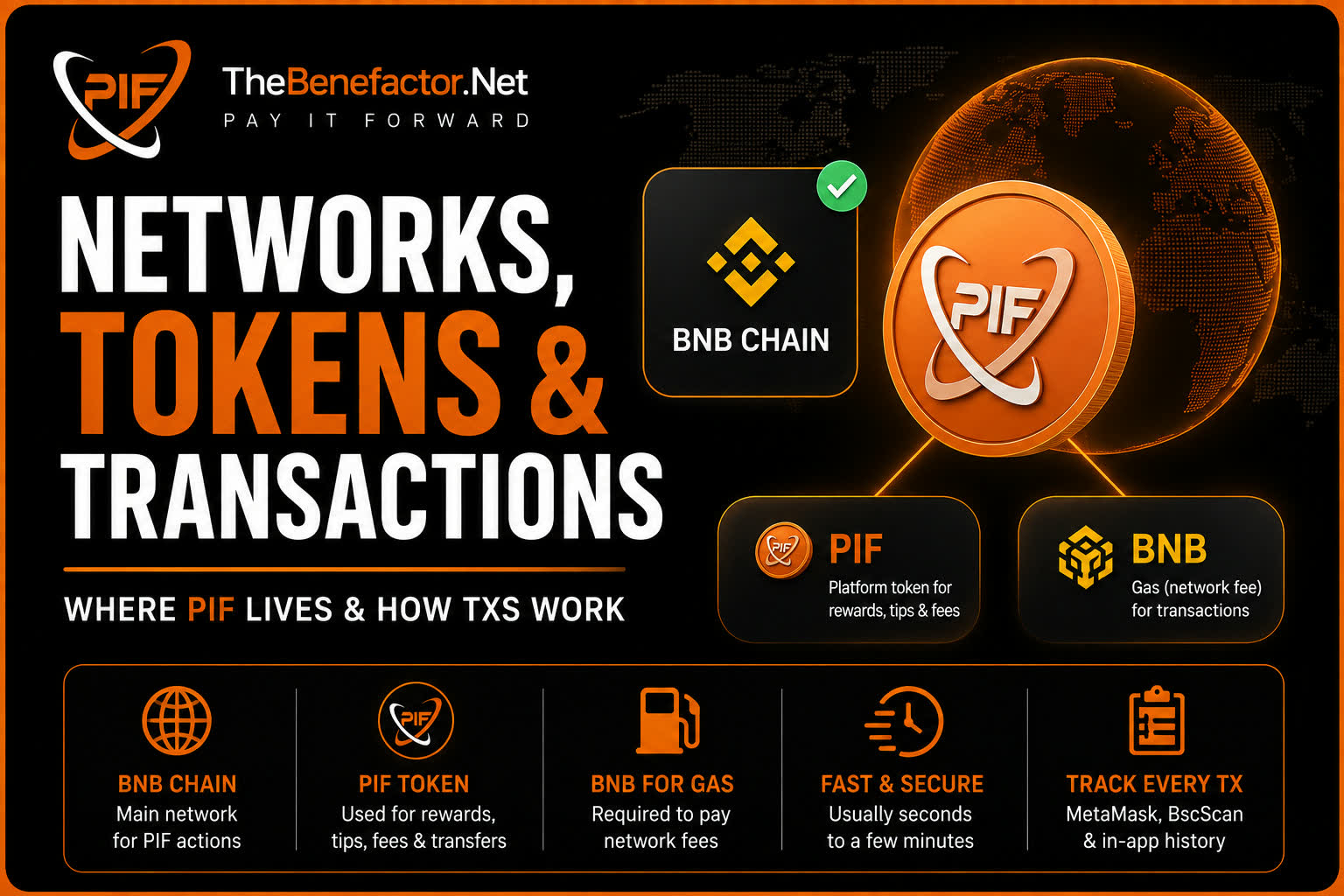
- ✅ Network = BNB Chain (when required)
- ✅ Token = PIF (not a lookalike spam token)
- ✅ Amount matches what the site showed
- ✅ To address is what you expect (app wallet/recipient)
- ✅ You initiated this action (not a random popup)
Message Sign ≠ transfer.
Confirm transaction = move tokens.
After pay: wait for site to finalize; don’t spam retries that create new transfers.
FAQ
1. Is self-custody riskier than managed?
Different risks. SC: you can lose keys or sign a bad tx. Managed: more platform custody/process risk. Choose what you can handle.
2. Should I screenshot my seed “just in case”?
No. Screenshots leak via backups and malware.
3. A popup asked me to sign while I was idle.
Reject it. Only sign when you started an action on TheBenefactor.Net.
4. Can 2FA on my Benefactor account protect my seed?
2FA protects login to the site — not your wallet keys. Still use 2FA for account security.