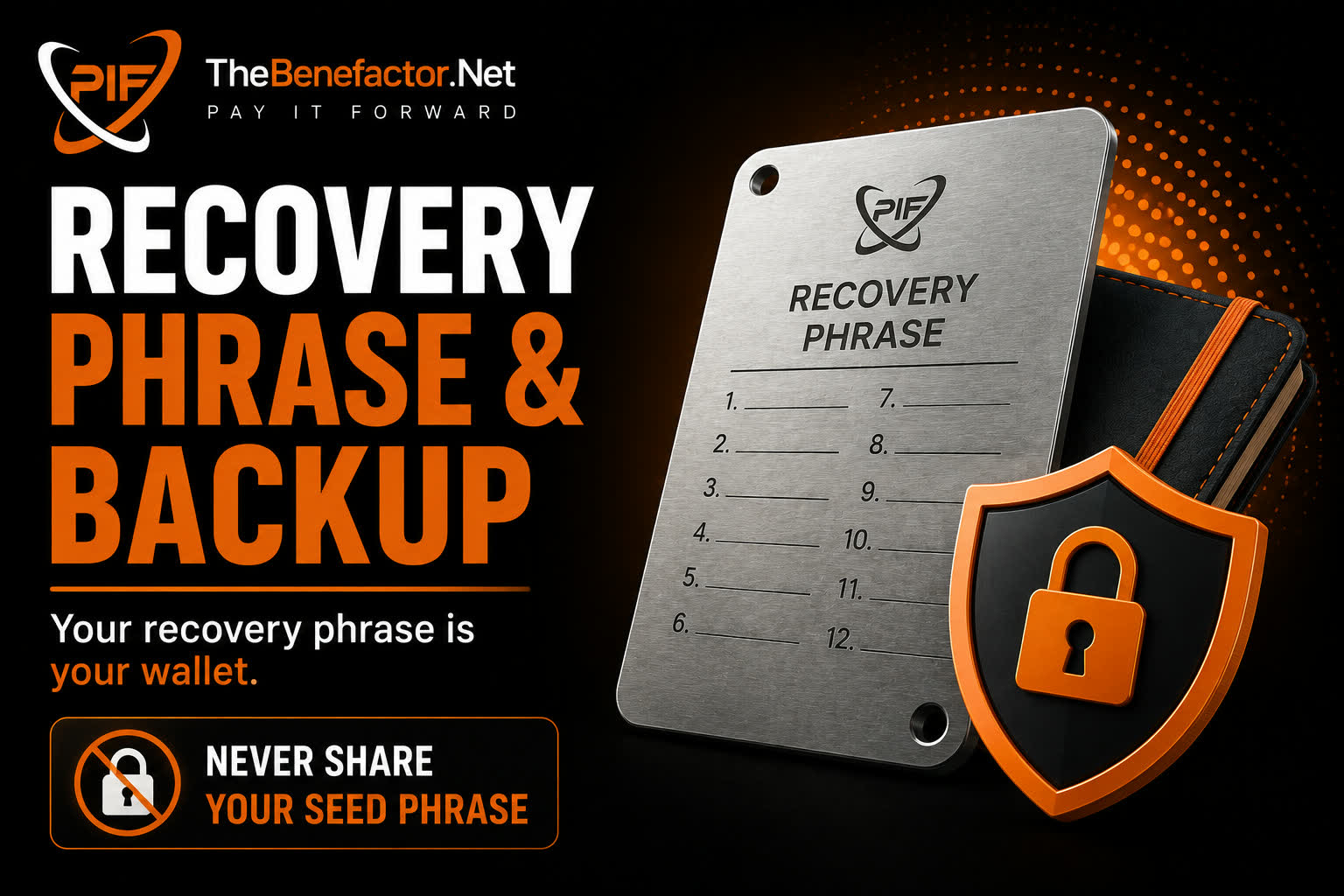
Your recovery phrase is the wallet. Treat it like cash and house keys combined.
What is a recovery phrase?
Usually 12 or 24 words generated by MetaMask (or another wallet).
Anyone with those words can:
- Recreate the wallet on a new device
- Send all your funds
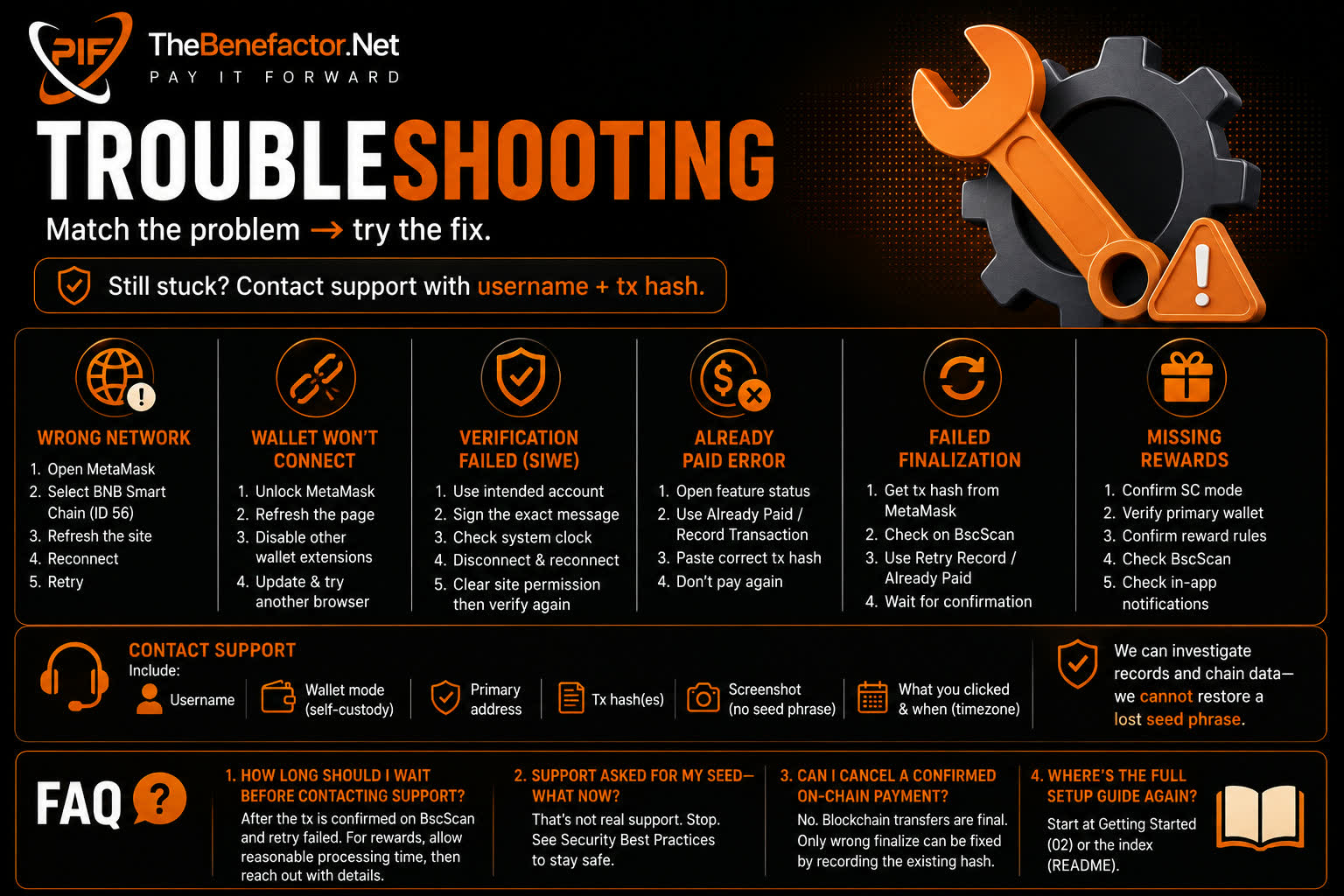
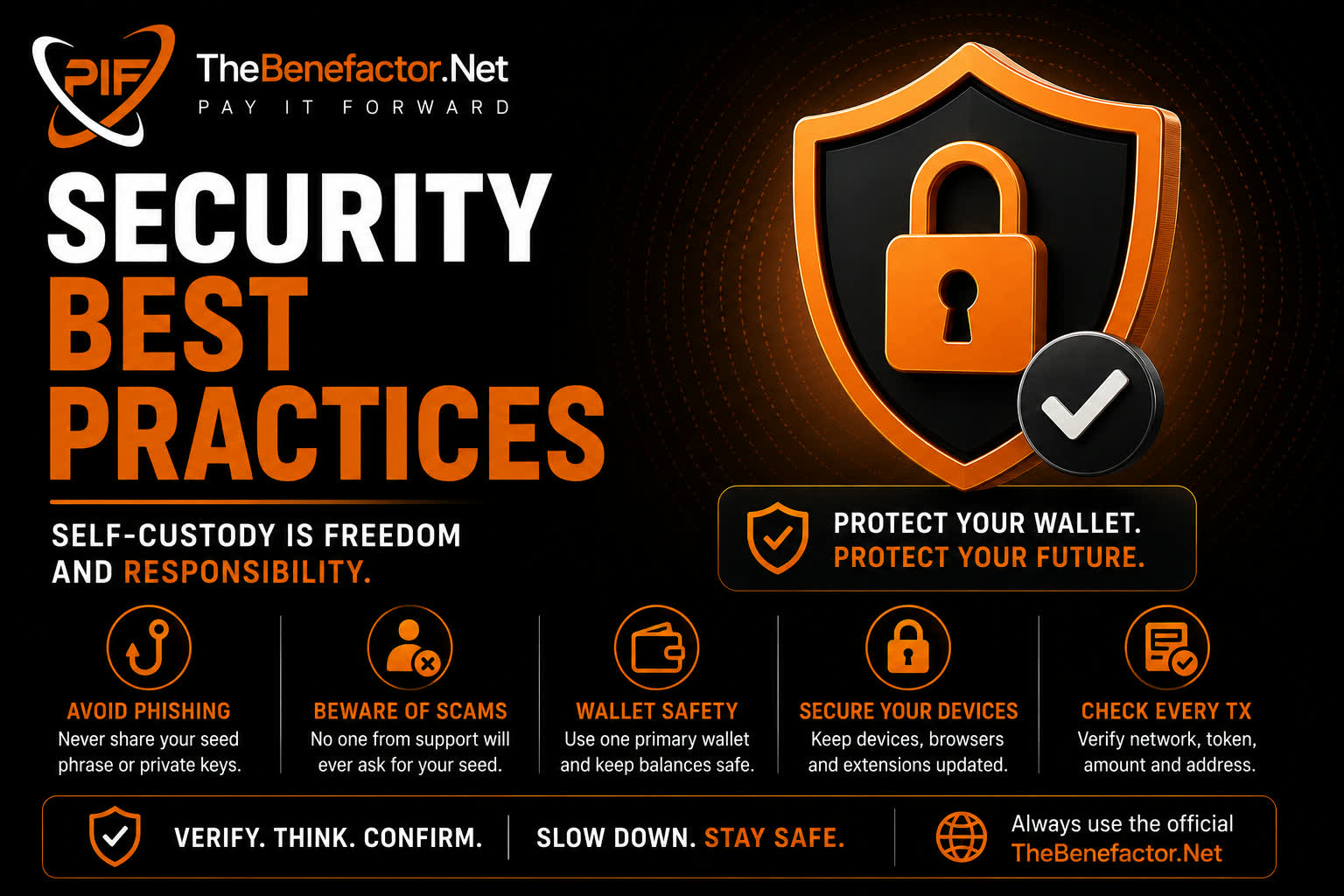
TheBenefactor.Net never needs this phrase. We only ask you to sign or confirm transactions.
How to back it up
✅ Do:
- Write words on paper (or a metal backup plate).
- Store in a safe, private place.
- Make a second copy in a different secure location if amounts grow.
- Check spelling and order.
❌ Don’t:
- Screenshot or store in cloud notes, email, or chat.
- Type the phrase into any website (including “support” pages).
- Share with “support agents,” influencers, or friends “just to help.”
What never to do
| Never… | Why |
|---|---|
| Paste seed into TheBenefactor.Net | We will never ask; it’s a scam if someone does |
| “Validate wallet” on a random site | Classic phishing |
| Send seed to Telegram/Discord support | Impersonators |
| Store only on one phone with no backup | Phone loss = funds loss |
What happens if you lose it?
If you lose the phrase and lose access to the device wallet:
- Funds cannot be recovered by TheBenefactor.Net or MetaMask support.
- There is no reset email for seed phrases.
If you still control the device wallet but lost the paper backup:
- Immediately move funds to a new wallet you backed up correctly.
- Stop using the old wallet for large balances.
- Create a proper offline backup for the new one.
FAQ
1. Is my MetaMask password the same as the recovery phrase?
No. Password unlocks the app on one device. The phrase recovers the wallet everywhere.
2. Can I change my recovery phrase?
You don’t “change” it — you create or import a different wallet (new phrase).
3. Hardware wallet?
Great for large balances. You still get a recovery phrase/seed for the hardware device—back that up offline too.
4. Someone asked for my phrase to “fix a glitch.”
That’s a scam. Hang up / block. See Security Best Practices.