
What works when your mode is external, and what doesn’t.
Receiving rewards
Eligible rewards (examples: engagement, creator, security, referral/PPC where applicable, learn & earn, task center, surveys, etc.) are resolved for your mode:
- Managed: credit platform wallets / ledgers.
- Self-custody: send (or queue) to your verified primary address when the system can pay out.
What you should do
- Keep primary wallet verified.
- Use the same address in MetaMask.
- Watch on-chain balance + in-app notifications/history.
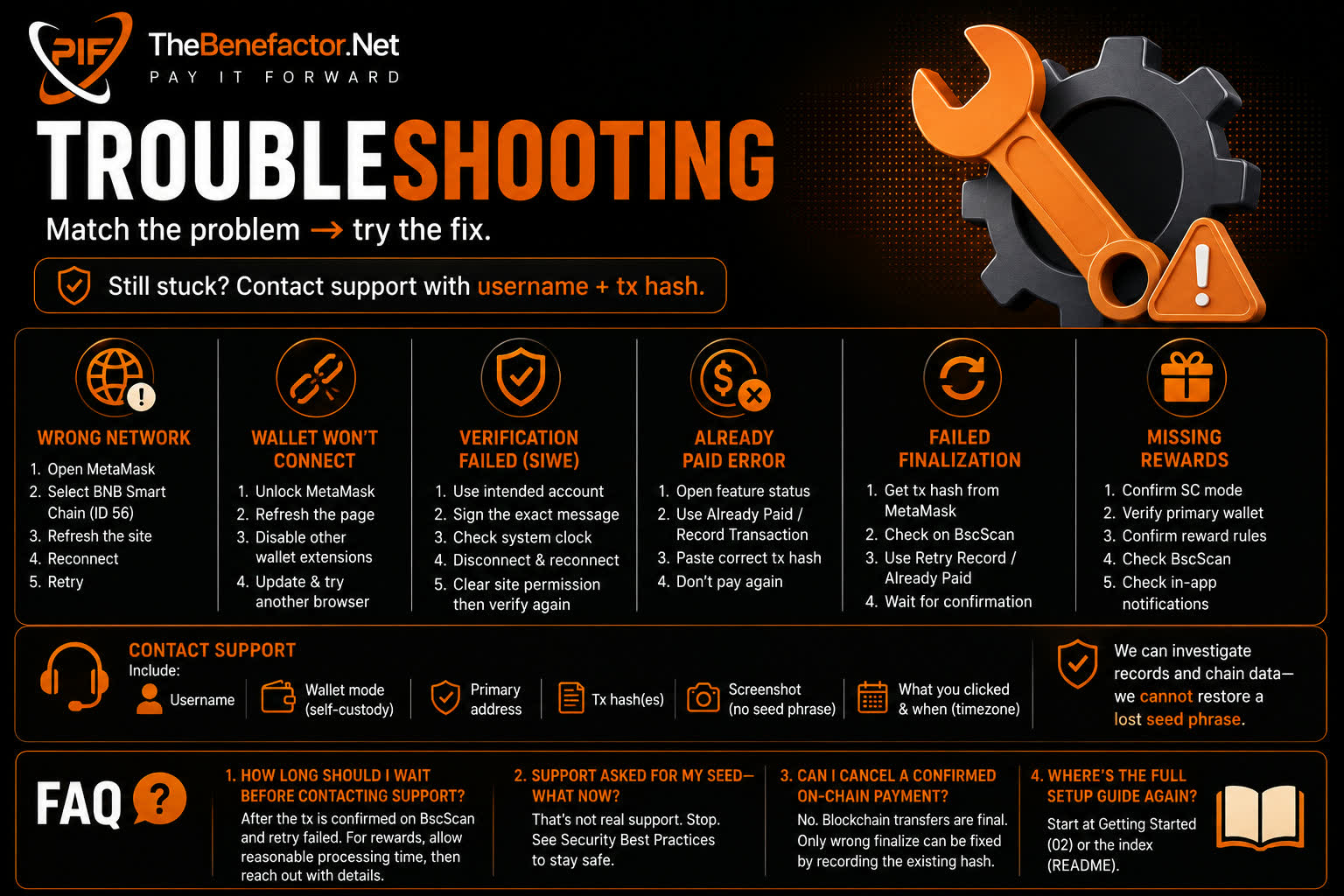
If rewards are missing: Troubleshooting → Missing Rewards.
Receiving payouts
“Payouts” here means other platform → you token flows (e.g. lottery wins, certain commissions, buy/bonus delivery where applicable).
Same rule of thumb:
- Destination = resolve to external primary for SC users.
- No false “mint” into a managed spending balance for pure SC payouts.
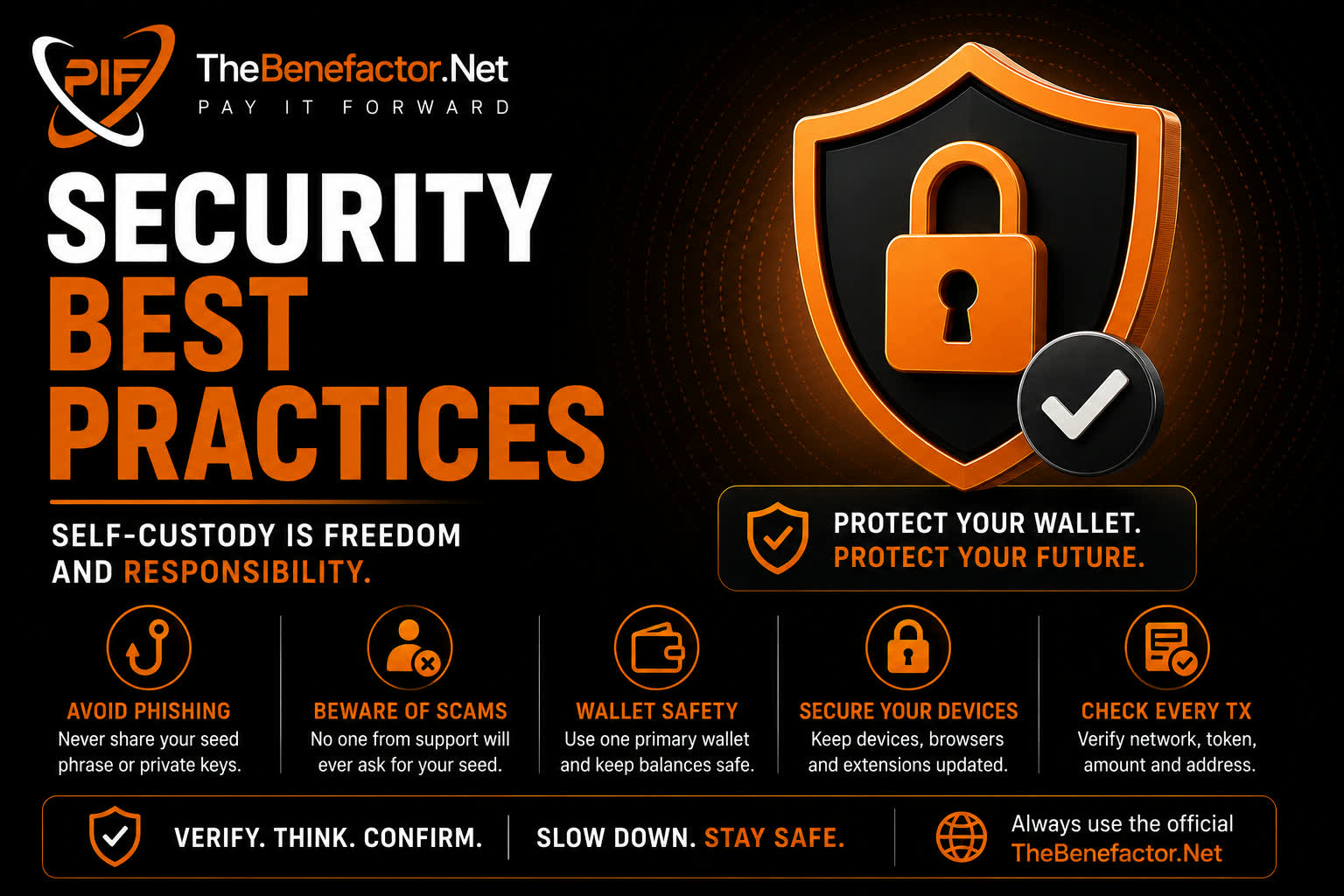
Always confirm the network (BNB) and that your primary is correct.
Paying on-chain fees
Many paid features for SC users use:
- MetaMask ERC-20 PIF transfer
- Site verifies the transaction
- Feature unlocks / records payment
Examples include (when enabled for you):
- Lottery tickets
- Banner ad fees (create / renew)
- Verified badge fee
- Post boost / promote renew
- Page premium subscribe
- Email marketing plans
- Other fee surfaces as they ship
Auto-renew for these is not available in SC—renew manually when expired.
If MetaMask succeeds but the page fails
- Do not pay twice.
- Use Already paid / record transaction with your tx hash.
- Wait for confirmation; slow networks can take minutes.
Tips & donations
| Action | Self-custody behavior |
|---|---|
| Tip a creator | You send PIF on-chain to their receivable address; site verifies |
| Donate to a campaign | Same idea—on-chain to campaign owner / rules of the campaign |
| Managed user tips you | Tokens go to your SC address (not a fake ledger credit) |
Tips may include an optional short message (kept safe/filtered on the platform).
Transfers
User → user transfers in SC:
- You send PIF from your primary wallet on-chain.
- Site verifies amount, from, to, and hash.
- If the recipient is managed, the platform may credit their ledger once.
- If the recipient is also SC, funds stay on-chain only for them.
Double-check username and network before confirming.
Features not available (or limited)
| Feature | In self-custody |
|---|---|
| Deposit into platform ledger | ❌ Not used |
| Withdraw from platform ledger | ❌ Not used |
| Auto-renew (badge, banner, boost, page premium, email, etc.) | ❌ Off / manual |
| Paying with a non-primary MetaMask account | ❌ Rejected |
| Spending “platform balance” you no longer have | ❌ N/A |
| Multi-network fees everywhere | ⚠️ Often BNB only today |
Managed-only money tools stay blocked for SC (self custody) accounts on purpose.
FAQ
1. Where do I see my SC balance on the site?
The site may show helpers, but MetaMask / BscScan is the source of truth for on-chain PIF.
2. Why must every fee payment use my primary address?
So nobody can attach someone else’s transaction hash to your account (and vice versa).
3. Can I still tip managed users?
Yes — send on-chain to their receivable address; they get ledger credit when rules say so.
4. I paid a banner fee but the ad isn’t live.
Payment may need approval or finalize. Check status, tx hash, and Troubleshooting.