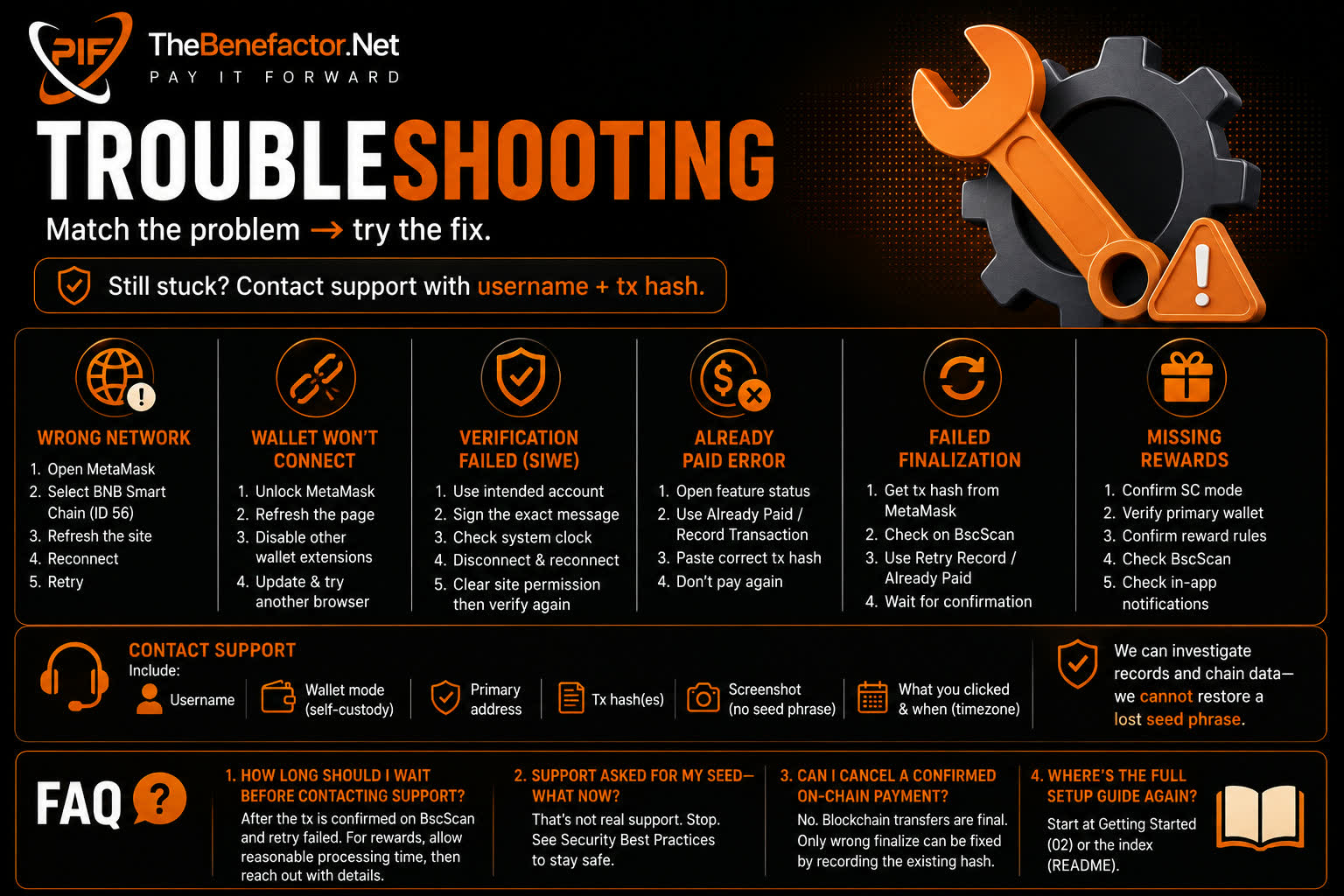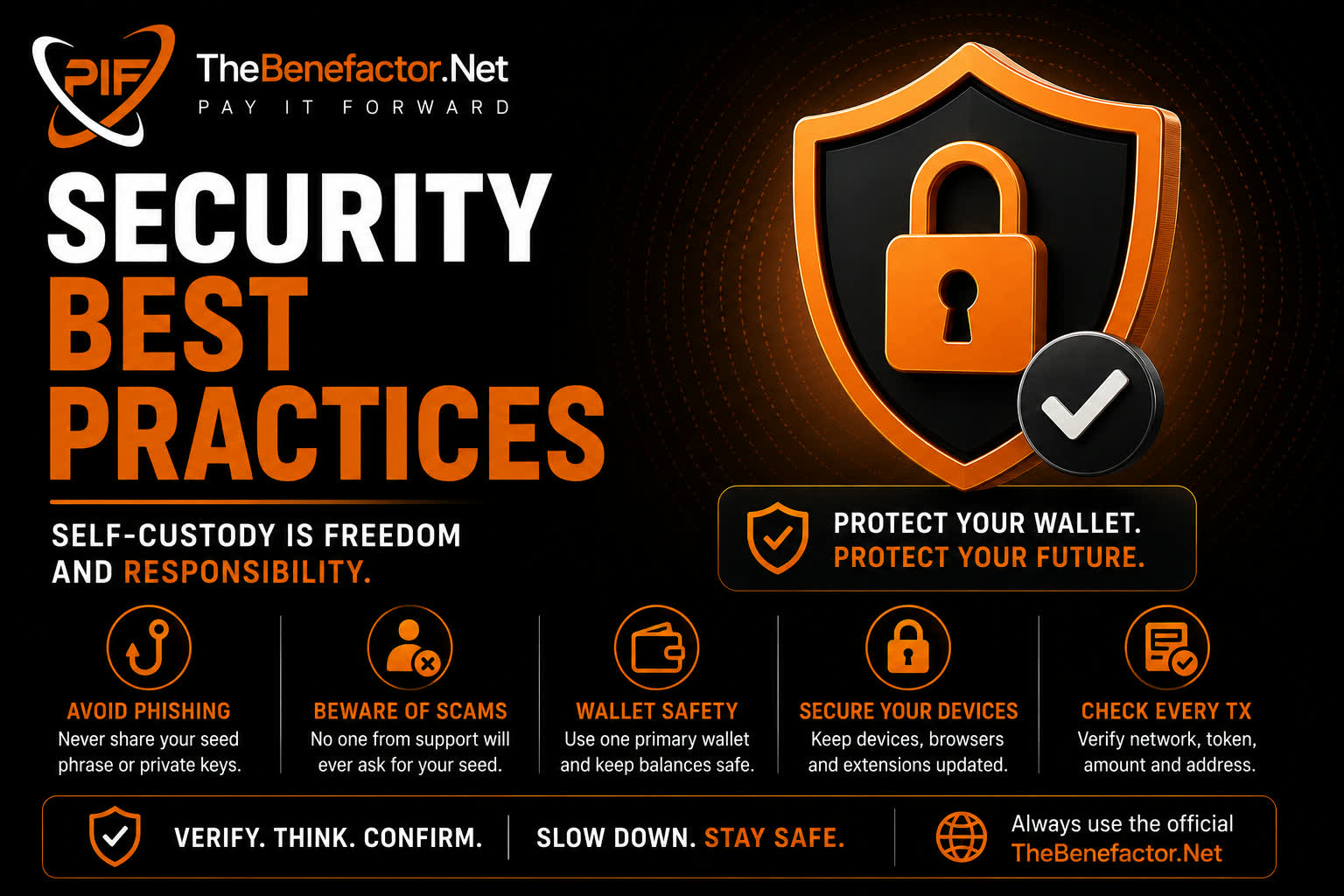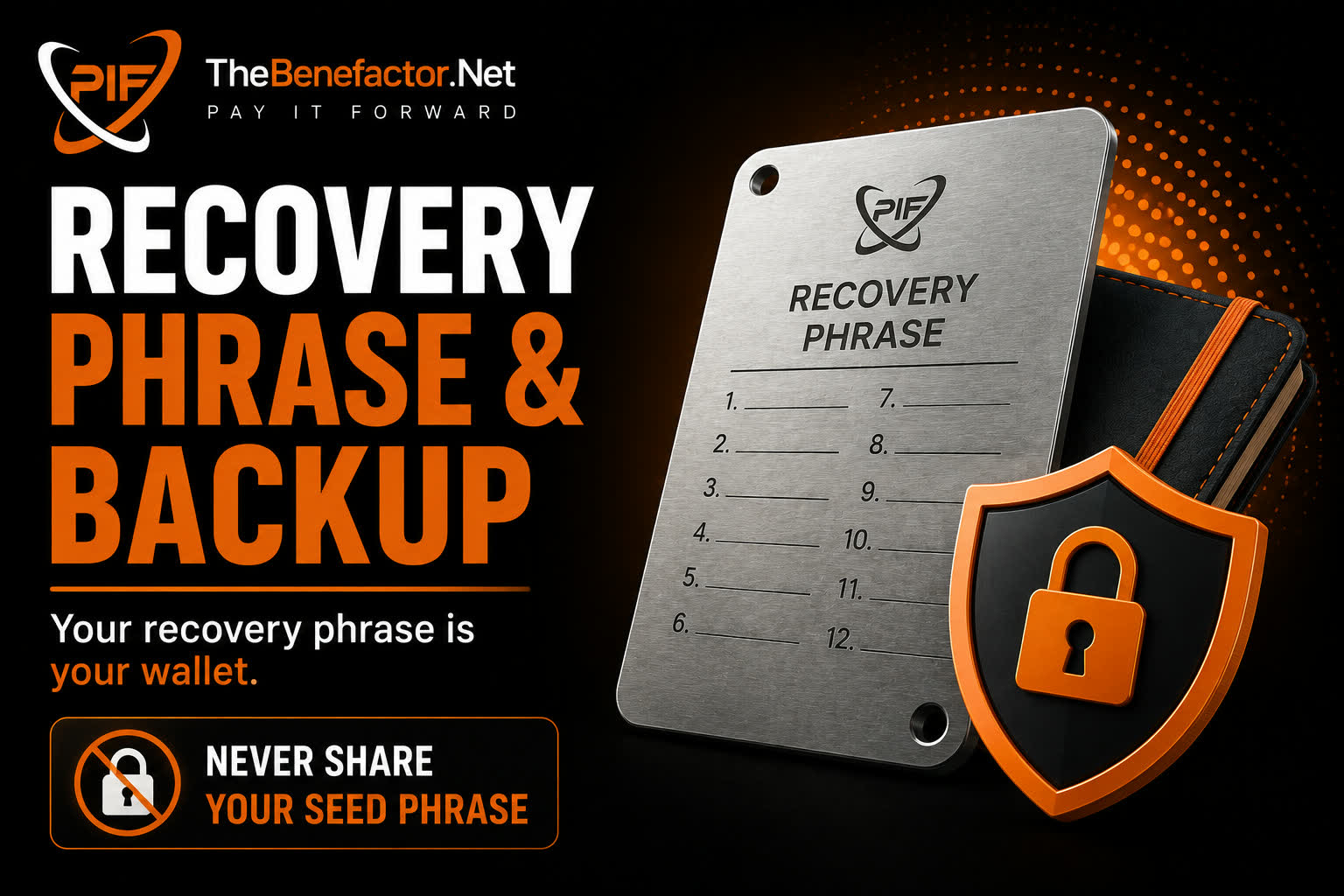
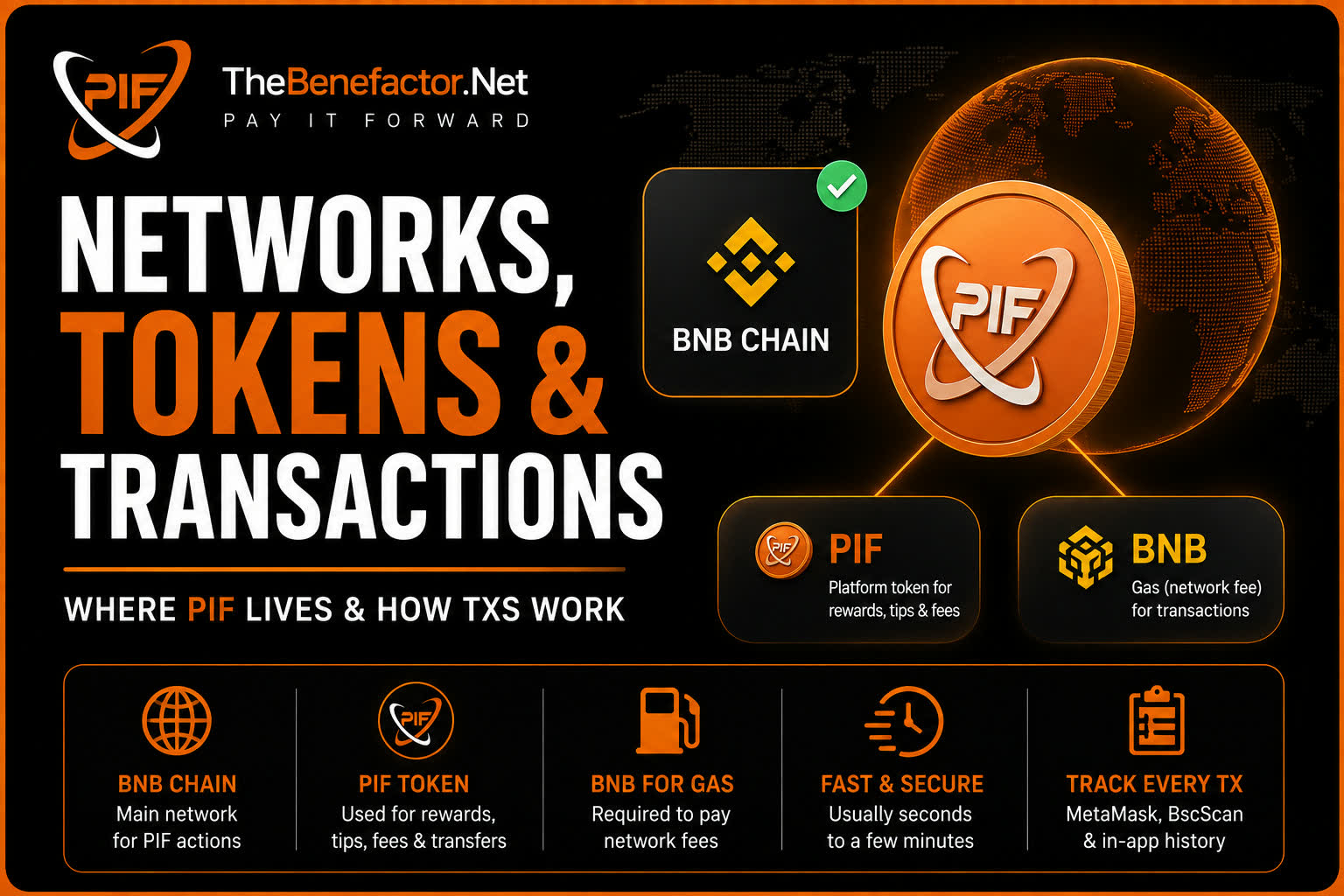
Simple facts about where PIF lives and how txs behave.
Supported networks
| Network | Self-custody on TheBenefactor.Net (today) |
|---|---|
| BNB Smart Chain (BNB Chain) | ✅ Main network for PIF actions |
| Ethereum / Polygon | ⚠️ Limited or not used for most SC fee flows today |
Always set MetaMask to the network the site asks for before paying.
Supported tokens
| Token | Role |
|---|---|
| PIF (BNB Chain) | Platform token for rewards, tips, fees, transfers |
| BNB | Gas (network fee) to send transactions |
You need PIF to pay product fees and a little BNB so the transfer can process.
Network fees (gas)
- Paid in BNB, not PIF.
- Amount changes with network congestion.
- If gas is too low, the tx can sit pending or fail.
- Failed txs can still cost gas — check MetaMask activity.
Confirmation times
| Stage | What you’ll see |
|---|---|
| Wallet popup | You approve (or reject) |
| Pending | Tx hash exists; waiting for network |
| Confirmed | Enough blocks; site can verify |
| Site finalize | App records success / activates feature |
BNB Chain is often fast (seconds to a couple of minutes), but can be slower. Keep the page open during finalize when the site asks you to wait.
Transaction history
You can track activity in:
- MetaMask → Activity
- BscScan (paste your address or tx hash)
- TheBenefactor.Net transaction/notification screens (records the site knows about)
For disputes, a tx hash (0x + 64 hex chars) is the best evidence.
FAQ
1. Why do I need BNB if I’m only sending PIF?
PIF is the token; BNB pays miners/validators to include your transfer.
2. Can I use PIF on Ethereum mainnet for site fees?
Not for current SC fee flows — stick to BNB Chain unless the UI says otherwise.
3. How do I know the PIF contract is real?
Use addresses and links shown inside TheBenefactor.Net or official announcements—not random DMs.
4. My tx is pending forever—what now?
In MetaMask, check speed-up/cancel options, network status, and BNB balance. See Troubleshooting.