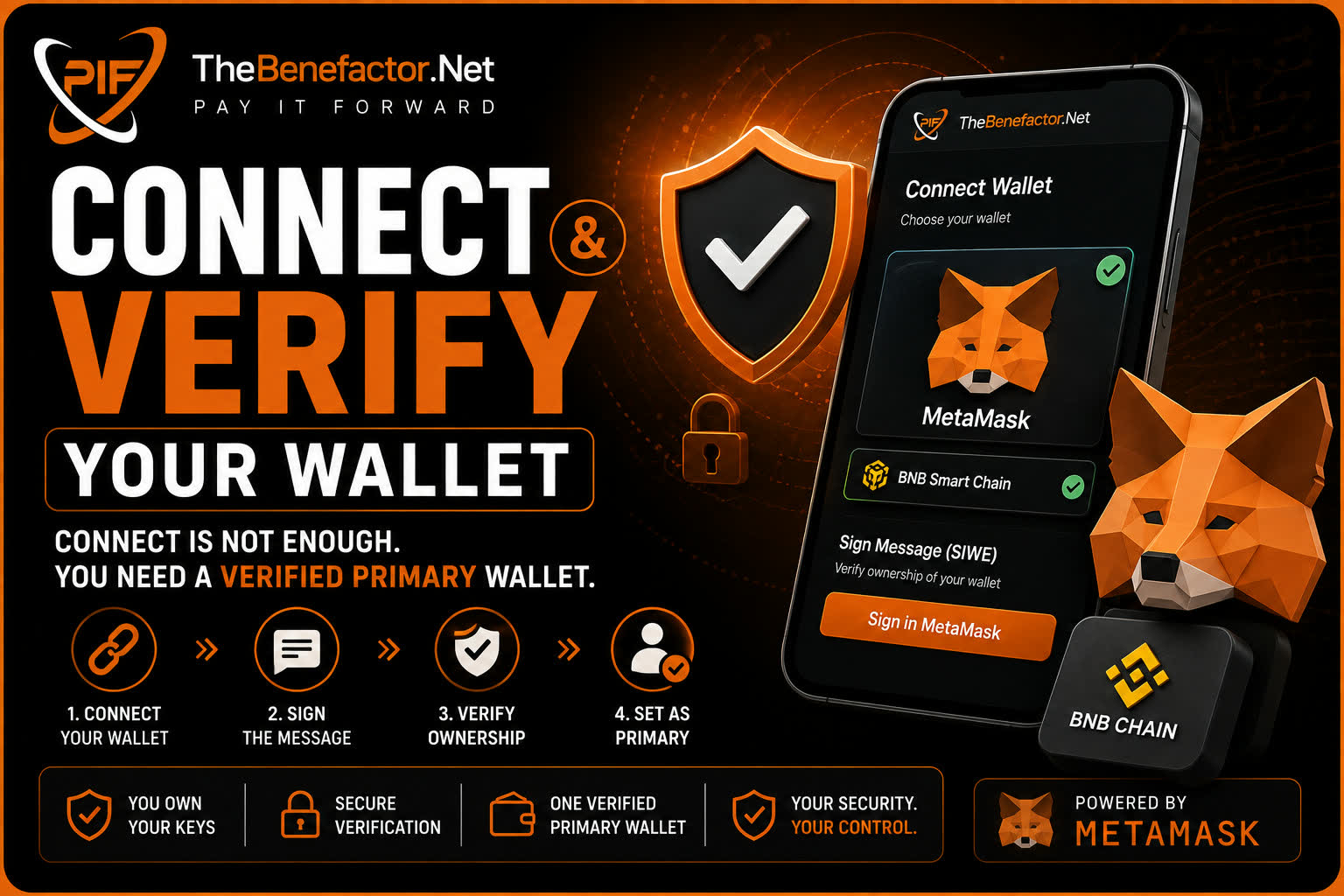
Connecting is not enough. On TheBenefactor.Net, self-custody needs a verified primary wallet.
Supported wallets
| Wallet | Status |
|---|---|
| MetaMask (browser) | ✅ Supported today |
| Other injected browser wallets | May work if compatible with the same flow |
| WalletConnect | 🔜 Planned / future |
| Hardware wallets | Via MetaMask (or similar) bridge is common |
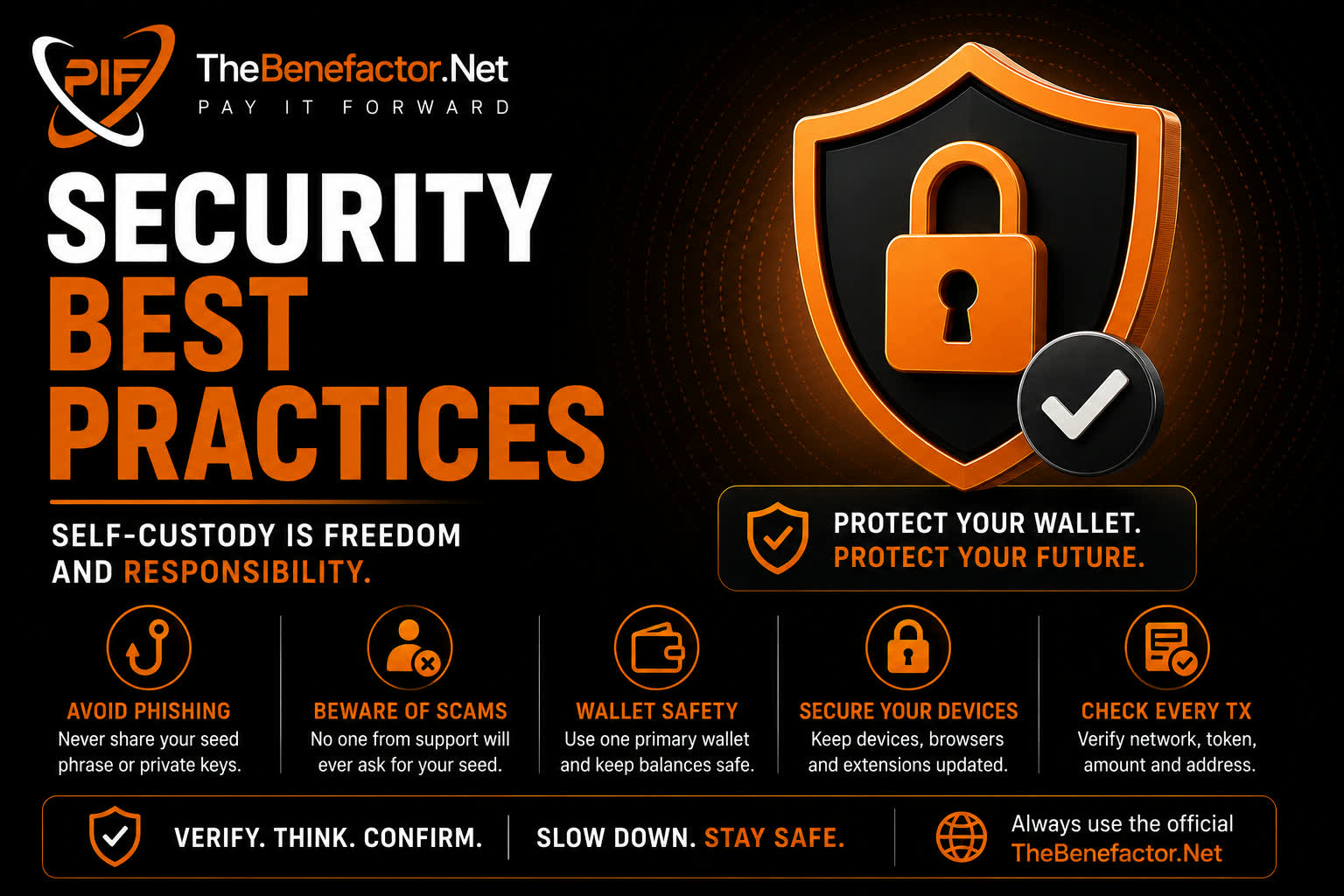
Always prefer official wallet apps and extensions.
MetaMask
Connect
- Install MetaMask from the official site/store.
- On TheBenefactor.Net, open Wallet Settings.
- Click Connect wallet.
- Select MetaMask → Connect.
- Ensure the network is BNB Smart Chain (BNB Chain).
Create a new wallet
- In MetaMask: Create a wallet.
- Set a strong password (locks the app on this device).
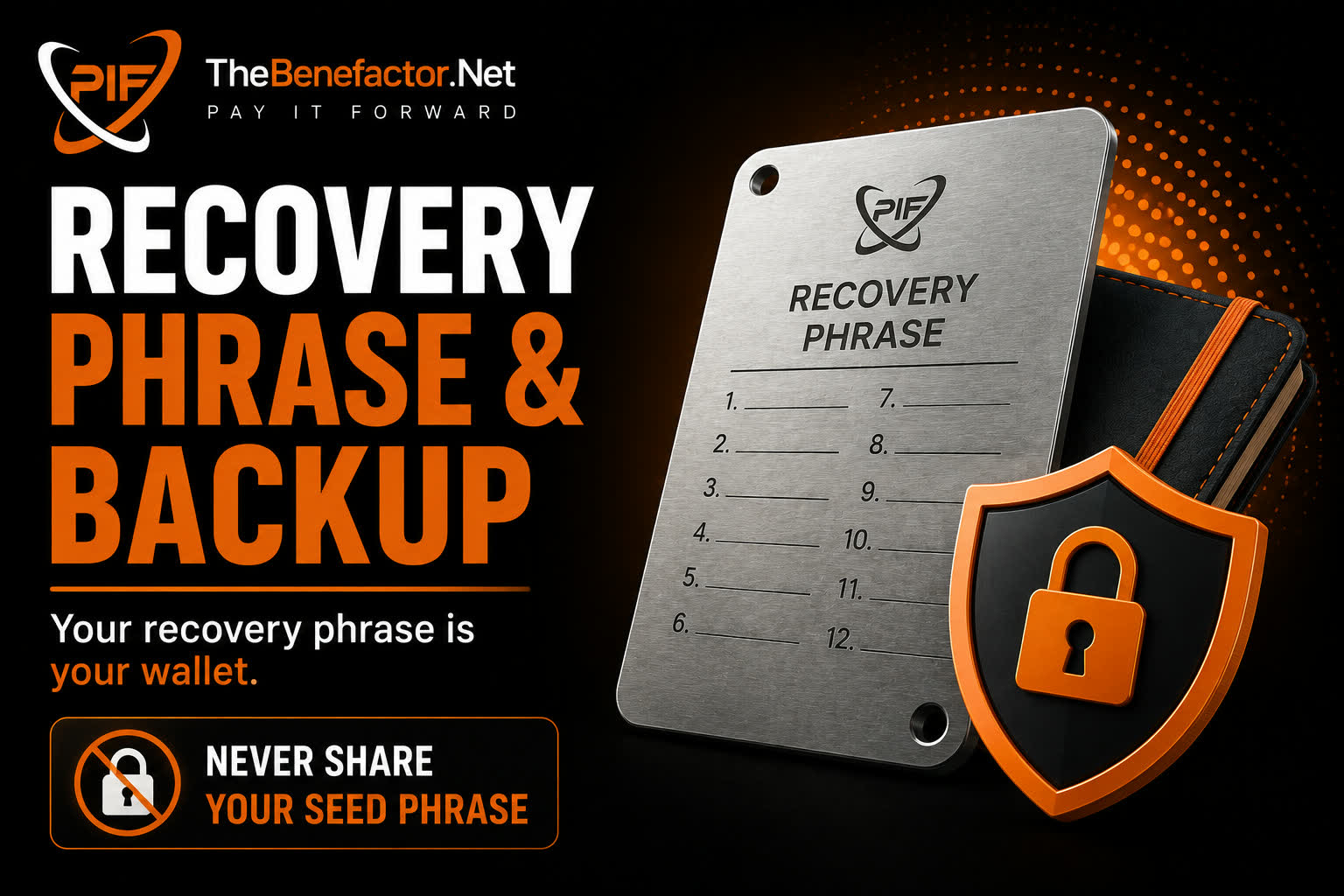
- Write down the 12-word recovery phrase offline.
- Confirm the phrase in MetaMask.
- Connect + verify on TheBenefactor.Net.
👉 Full backup rules: Recovery Phrase & Backup.
Import an existing wallet
- MetaMask → Import wallet (or add account with seed / private key).
- Enter the phrase only into MetaMask — never into a website form.
- Connect that account on TheBenefactor.Net and complete SIWE.
Sign-In With Ethereum (SIWE)
SIWE (or SIWE-style verification) means:
- The site shows a message to sign.
- You click Sign in MetaMask.
- The site checks the signature matches the address.
| SIWE is ✅ | SIWE is ❌ |
|---|---|
| Proof you control the address | Not a token transfer |
| Free of token cost (still a signature) | Not your password to TheBenefactor.Net account |
| Required for primary verification | Not a reason to share seed words |
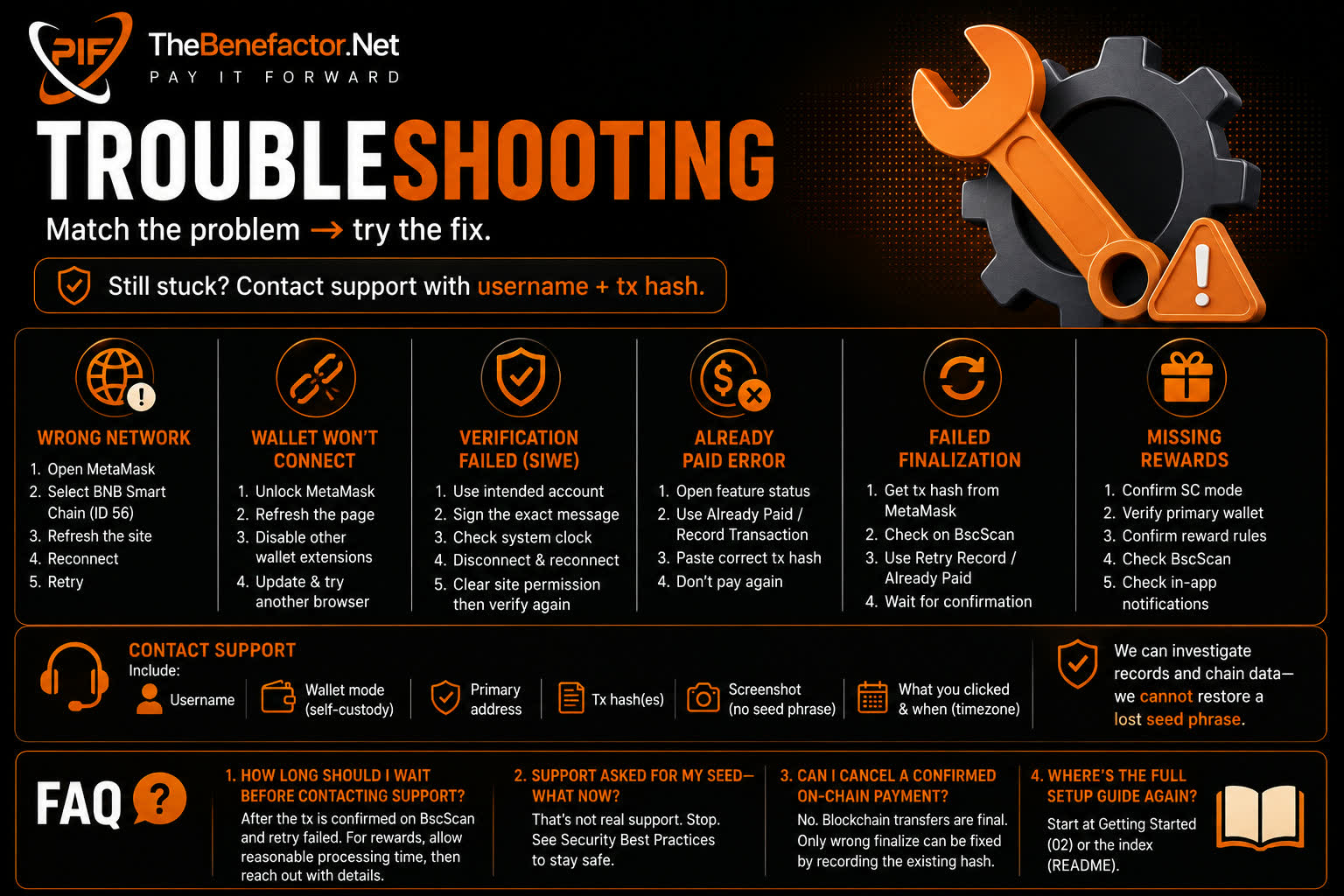
Never enter your seed phrase to “verify.” Real verification is only a signature.
Primary wallet verification
After SIWE succeeds, the connected address is stored as your primary external wallet (with verification timestamp).
Why “primary” matters
For self-custody payments, the site records (tips, fees, lottery, donations, etc.):
- The from address on-chain must be your verified primary.
- A different MetaMask account will be rejected, even if it has PIF.
Tips
- Keep one main address for TheBenefactor.Net.
- After switching accounts in MetaMask, reconnect and re-check primary.
- If you must change primary, follow Wallet Settings flows and re-verify.
WalletConnect (future)
WalletConnect will help mobile and more wallet brands. Until it’s live, use MetaMask (or a compatible browser wallet) on supported setups.
FAQ
1. Why did connect work but features still block me?
You may be connected but not verified. Complete SIWE so verified primary is set.
2. Can I verify two primaries at once?
You have one primary for payouts/payments. Stick to one address to avoid confusion.
3. Does signing let the site drain my wallet?
No. Message signing ≠ unlimited spend. Token moves need a separate transaction you approve.
4. MetaMask asks to add BNB Chain — is that safe?
Adding the official BNB Chain network is normal. Still verify the chain ID (56 for BNB Smart Chain mainnet) and use trusted sources.