 Day / Night
If you’ve been earning PIF (Pay It Forward) Tokens on TheBenefactor.Net, congratulations! 🎉
Whether you’ve earned tokens through platform rewards, community donations, withdrawing them to your personal crypto wallet is simple, secure, and transparent.
This guide covers everything you need to know, including:
- ✅ Supported blockchain networks
- ✅ Withdrawal accounts
- ✅ Step-by-step instructions
- ✅ Security features
- ✅ Fees
- ✅ Frequently Asked Questions
Let’s get started!
📖 What Are PIF Token Withdrawals?
The withdrawal feature allows you to securely transfer your PIF Tokens from your account to your own cryptocurrency wallet.
Once processed, your tokens are sent to the wallet address you provide on the supported blockchain network.
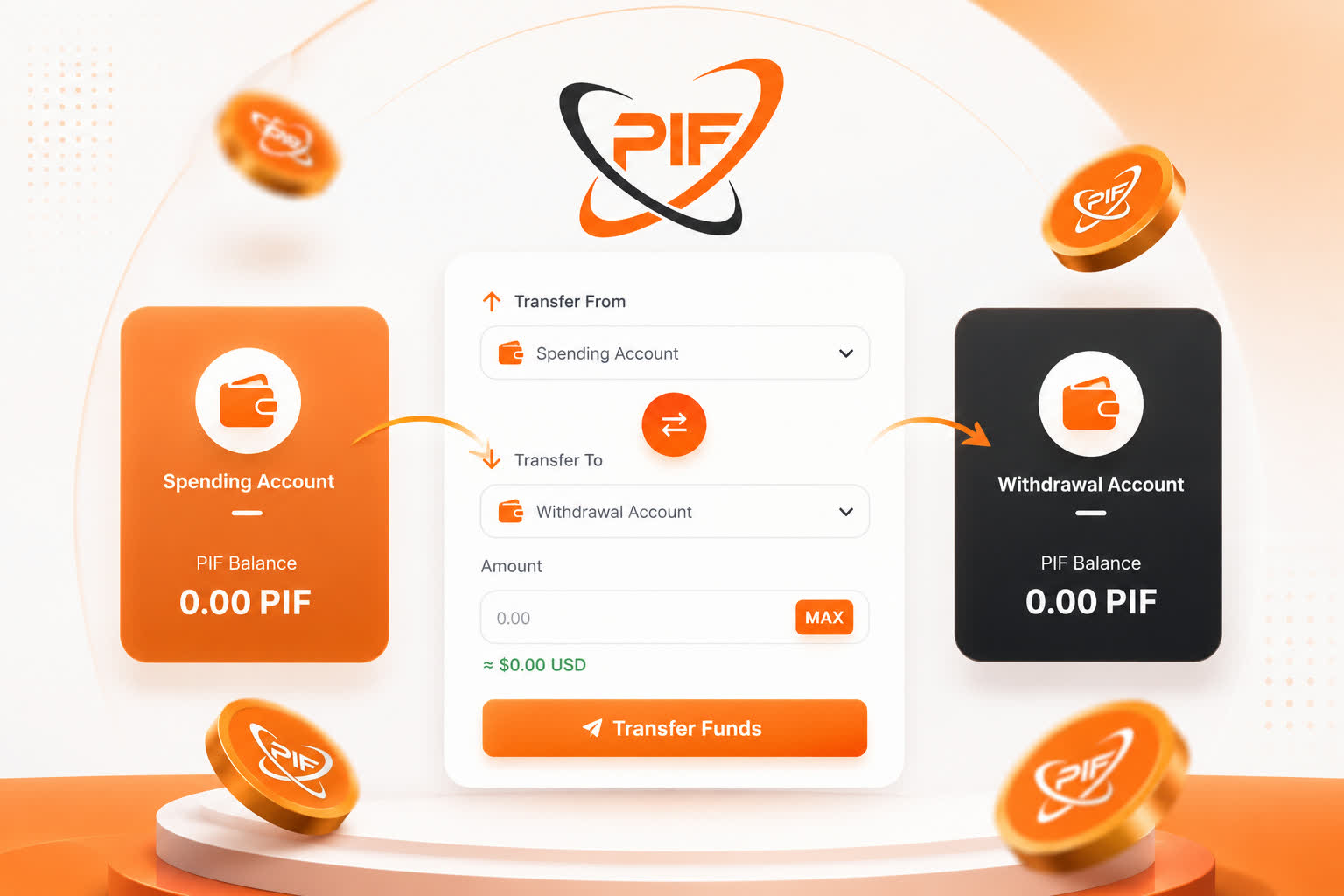
🏦 Withdrawal Account Types
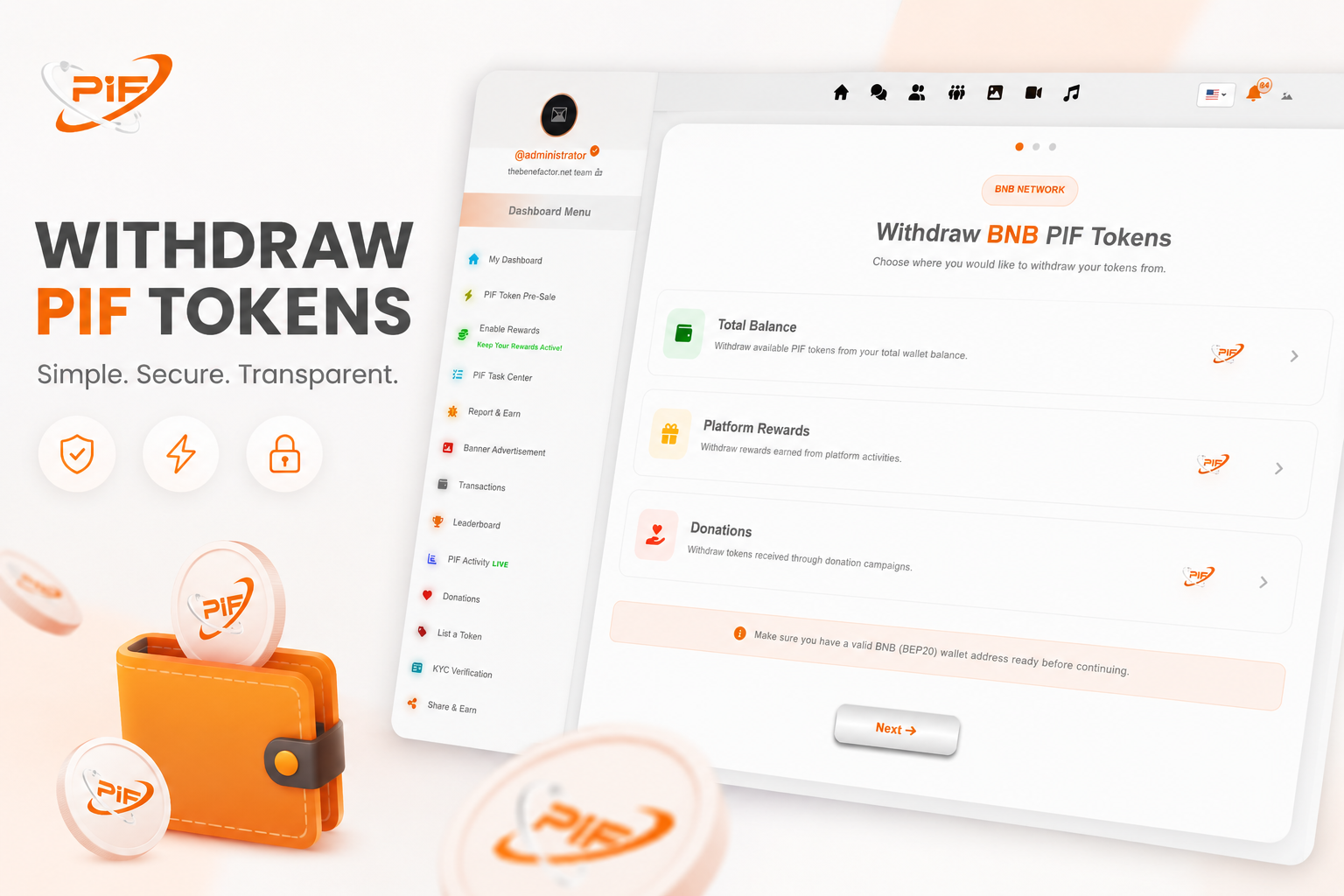
When creating a withdrawal request, you can choose which account you’d like to withdraw from.
💰 Withdrawal Balance
Your primary wallet withdrawal balance combines available withdrawable PIF tokens.
🎁 Platform Rewards
Tokens earned from:
- Daily rewards
- Community engagement
- Platform activities
- Special campaigns
- Reward distributions
❤️ Donations
Tokens you’ve received through donation campaigns or generous community members.
💸 Withdrawal Fees
TheBenefactor.net keeps withdrawal fees simple and transparent. Before you confirm any withdrawal, the platform automatically calculates and displays the fee, so you'll always know exactly how many PIF tokens you'll receive.
💼 Balance Withdrawals
Withdrawals from your Total Balance are subject to a 3% withdrawal fee.
The fee is allocated as follows:
- 🧡 1% is distributed back to active users through the Pay It Forward Rewards system.
- ⚙️ 2% helps support platform operations, maintenance, and future development (platform revenue).
This helps keep the platform sustainable while continuing to reward the community.
❤️ Donation Withdrawals
Withdrawals from your Donations Account are subject to a 5% withdrawal fee.
❤️ The good news? 100% of this fee goes directly into the daily Pay It Forward Rewards pool, supporting rewards for active community members.
This means that every donation withdrawal not only helps creators, fundraisers, and meaningful causes but also contributes to a growing ecosystem where the entire community benefits.
Giving back is at the heart of Pay It Forward! ❤️
🌐 Supported Networks
Currently, PIF Token withdrawals are supported on:
- 🟢 BNB Smart Chain (BEP-20)
More supported networks may be added in future platform updates.
🚀 How to Withdraw Your PIF Tokens
Step 1 - Open the Withdrawal Page
Log in to your account and navigate to your Dashboard.
On your dashboard, locate your Withdrawal Balance and click the Withdraw button to begin the withdrawal process.
Withdraw Tokens
You’ll first select:
- Your token
- The account to withdraw from
Step 2 - Enter the Withdrawal Amount
Enter the number of PIF Tokens you wish to withdraw.
You can also click the MAX button to automatically use your available balance.
Before you continue, the system will instantly calculate:
- 💰 Available balance
- 💸 Withdrawal fee
- 💵 Estimated USD value
- ✅ Final amount you’ll receive
Everything is displayed before you submit your request, so there are no surprises.
Step 3 - Choose Your Wallet Address
You can either:
- Paste a new wallet address
- Select one of your previously saved wallet addresses
To save time in the future, you can even save wallet addresses with custom labels for one-click selection.
⚠️ Always double-check your wallet address before submitting your withdrawal. Blockchain transactions cannot be reversed once processed.
Step 4 - Security Verification
Your security is one of our highest priorities.
If you’ve enabled a 4-digit Security PIN, you’ll be asked to enter it before your withdrawal is submitted.
This additional verification helps protect your account against unauthorized withdrawals.
Step 5 - Submit Your Withdrawal
Once everything looks correct, click Process Withdrawal.
Your request will immediately enter the processing queue.
You’ll receive a confirmation page showing:
- ✅ Withdrawal amount
- ✅ Network
- ✅ Wallet address
- ✅ Fees
- ✅ Final amount after fees
- ✅ Current withdrawal status
🔒 Security Features
Every withdrawal goes through multiple security checks to help keep your funds safe.
These include:
- 🔐 Balance verification
- 🔐 Withdrawal validation
- 🔐 Fee verification
- 🔐 Optional Security PIN protection
- 🔐 Secure transaction processing
- 🔐 Complete withdrawal history
Our goal is to make withdrawals both secure and transparent for every user.
💵 Withdrawal Fees
A small withdrawal fee helps support network processing and platform operations.
Before confirming your withdrawal you’ll always see:
- Withdrawal fee
- Fee in USD
- Amount after fee
- Estimated USD value
Everything is calculated automatically before submission.
💾 Save Wallet Addresses
Frequently withdraw to the same wallet?
You can save wallet addresses with your own custom labels.
Examples:
- My Trust Wallet
- Ledger Nano
- Main Wallet
- Trading Wallet
This makes future withdrawals much faster while reducing typing mistakes.
⚠️ Important Tips
Before withdrawing:
- ✅ Double-check your wallet address
- ✅ Make sure you’re using the correct blockchain network
- ✅ Withdraw only to wallets you control
- ✅ Send a small test transaction if you’re using a new wallet
- ✅ Never share your Security PIN
❓ Frequently Asked Questions
Is there a minimum withdrawal amount?
Yes.
A minimum withdrawal amount applies to ensure withdrawals remain practical. The current minimum is displayed directly on the withdrawal page before you submit your request.
Are withdrawal fees displayed before confirmation?
Absolutely.
The platform calculates and displays all fees before you submit your withdrawal request.
You’ll always know exactly how much you’ll receive.
Can I save wallet addresses?
Yes.
You can save wallet addresses with custom names and quickly select them during future withdrawals.
Why do I need a Security PIN?
If enabled, your 4-digit Security PIN adds an extra layer of protection by ensuring only you can authorize withdrawals.
What happens if I enter an incorrect wallet address?
Blockchain transactions cannot usually be reversed.
Always verify your wallet address carefully before confirming your withdrawal.
Can I withdraw my entire balance?
Yes.
Simply click the MAX button to automatically fill the maximum available withdrawal amount.
🎉 Start Withdrawing Your PIF Tokens
TheBenefactor.net makes withdrawing your PIF Tokens simple, transparent, and secure.
With real-time balance calculations, automatic fee estimates, saved wallet addresses, and multiple security checks, you stay in complete control of your funds throughout the withdrawal process.
Ready to move your PIF Tokens?
👉 Visit your wallet, submit your withdrawal request, and securely transfer your tokens to your crypto wallet in just a few simple steps.