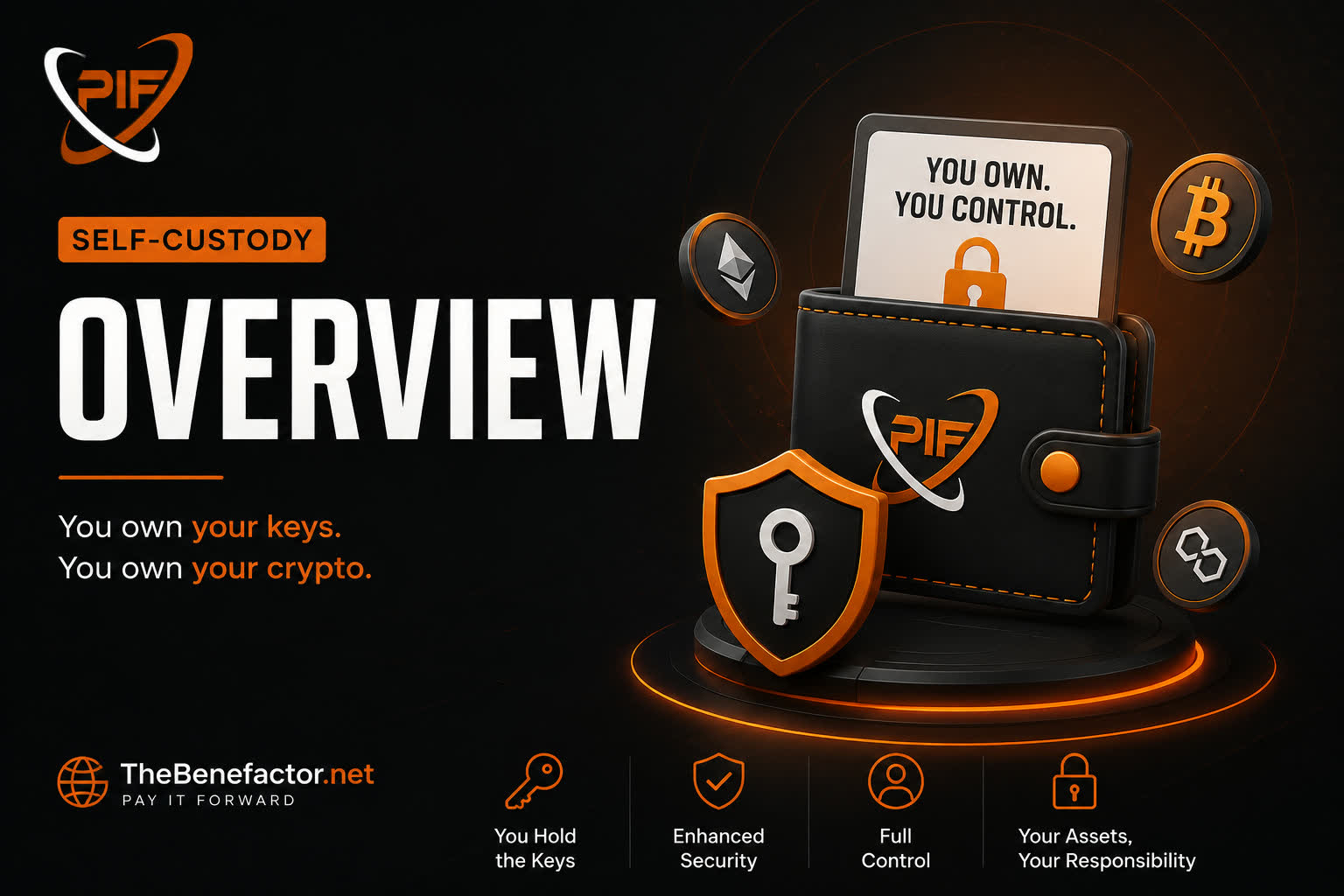
Welcome. This page explains what self-custody means on TheBenefactor.Net and why it matters — without the jargon.
What is self-custody?
Self-custody means you hold the keys to your crypto wallet.
- Your PIF tokens live in a wallet you control (for example MetaMask).
- You approve sends yourself.
- The platform cannot move your funds unless you sign a transaction.
Think of it like: you keep the keys to your own safe — not a shared vault with a passbook.
Why we added it
Many people want simplicity. Others want full control.
So TheBenefactor.Net supports two modes:
| Mode | Idea in one line |
|---|---|
| Platform-Managed | Easy in-app balance; platform helps operate a wallet for you |
| Self-Custody (External) | Your wallet, your keys, on-chain confirmations |
Self-custody is for users who prefer true ownership, transparency on-chain, and using tools they already know (like MetaMask).
How it works on TheBenefactor.Net
In short:
- You choose Self-Custody as your wallet mode.
- You connect a wallet (e.g. MetaMask on BNB Chain).
- You verify ownership by signing a short message (SIWE — Sign-In with Ethereum style).
- That address becomes your primary external wallet.
- Rewards and many payouts can go to that address.
- Fees and some payments you make from that wallet on-chain (you confirm in MetaMask).
Important differences from managed mode:
- No “deposit into platform ledger / withdraw from ledger” flow for everyday SC use—funds stay in your wallet.
- Auto-renew that relies on debiting a platform spending balance is turned off or unavailable.
- You must use the same verified primary address for payments the site records.
Key benefits
- 🗝️ You hold the keys — not the platform
- 🔗 On-chain transparency — many actions leave a public transaction
- 🎁 Rewards can land in your wallet — not only a site balance
- 🧭 Clear choice — pick managed ease or SC control
- 🔁 You can switch later — with safety rules (cooldown, clear managed balance, etc.)
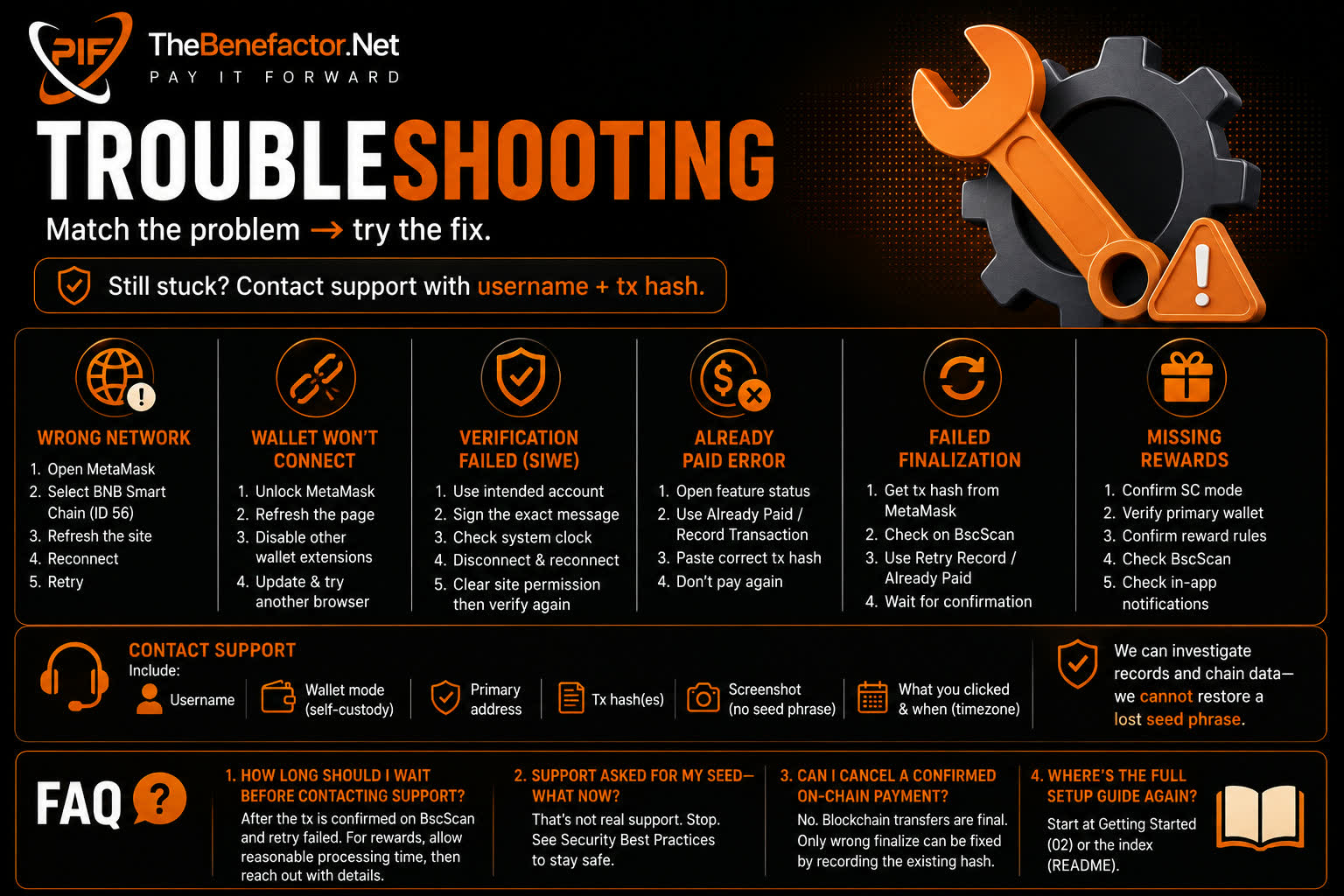
Self-custody is more powerful, but also more responsibility. You must protect your recovery phrase and double-check every confirmation.
Next steps
- Compare modes: Platform-Managed vs Self-Custody
- Ready to try it: Getting Started
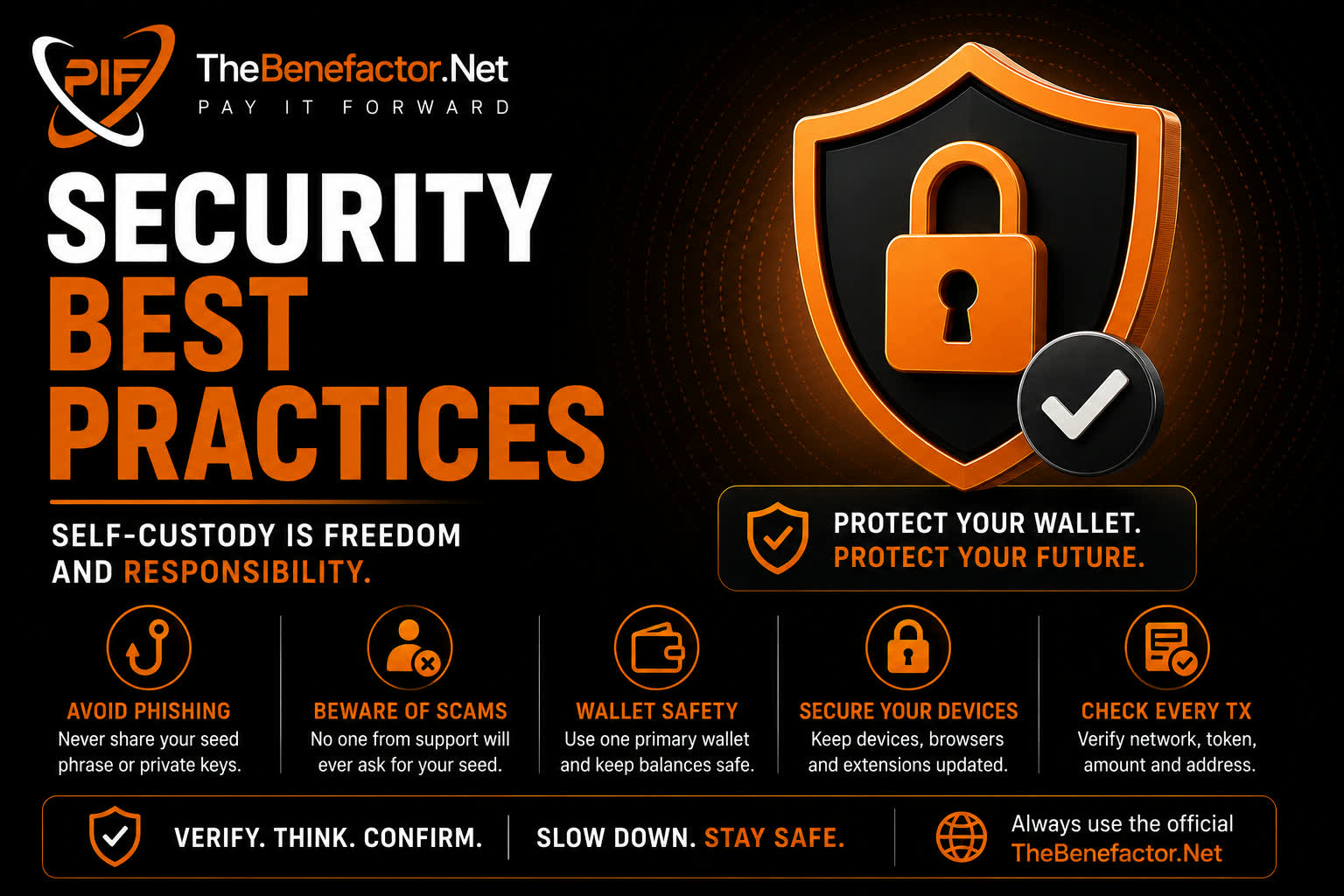
- Safety first: Security Best Practices
FAQ
1. Does self-custody mean TheBenefactor.Net can’t see my account?
No. You still log into TheBenefactor.Net as usual. Self-custody only changes how tokens are held and moved.
2. Do I need crypto experience?
Helpful, but not required. If seed phrases and gas fees feel scary, managed mode is usually a better fit.
3. Will I earn less in self-custody?
Reward rules are the same product rules. Delivery changes: SC (Self-Custody) users typically receive to their external wallet instead of a managed ledger.
4. Can staff recover my wallet if I lose my seed phrase?
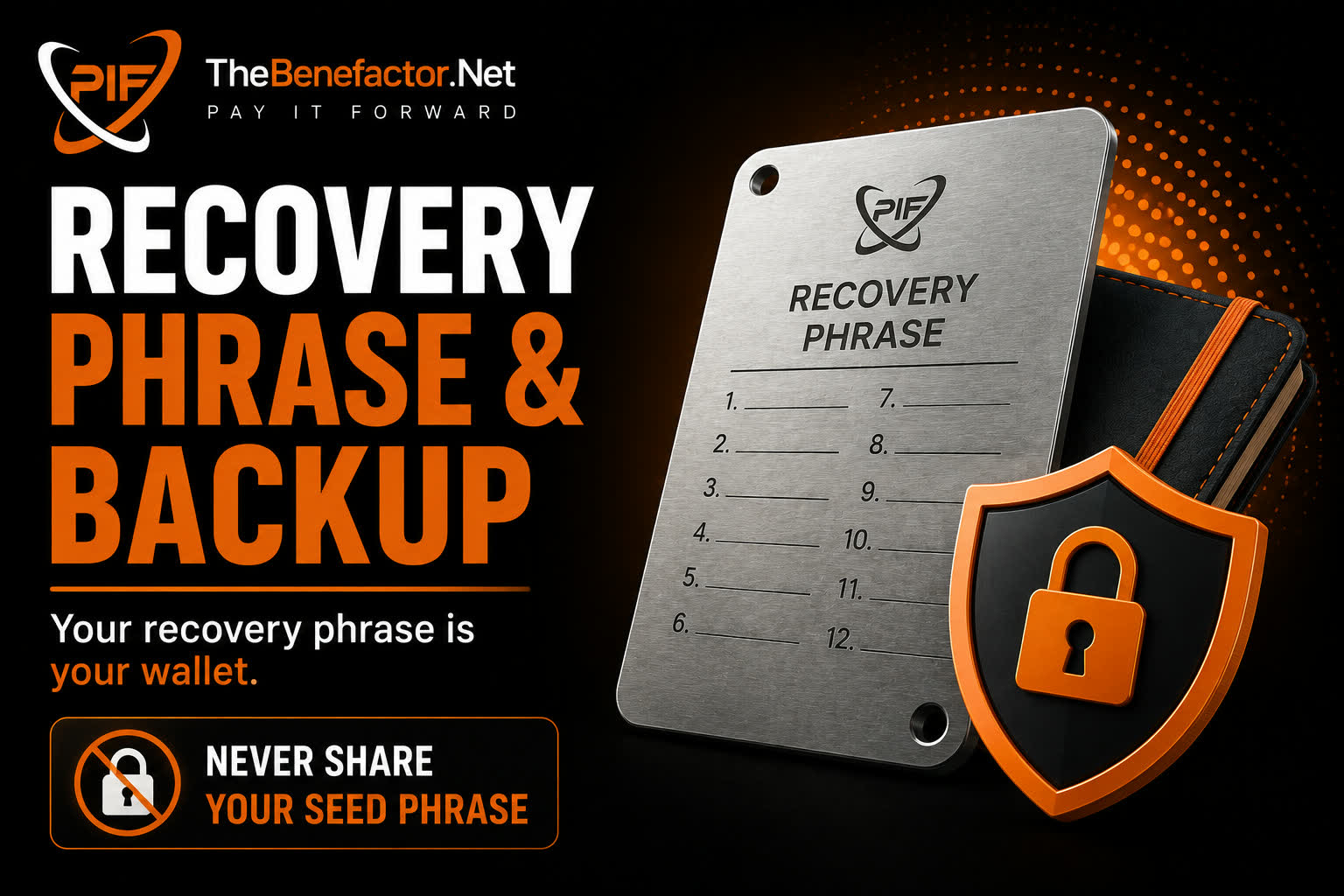
No. Nobody can — including TheBenefactor.Net. Backup carefully. See Recovery Phrase & Backup.