📅 Schedule Your Posts Ahead of Time
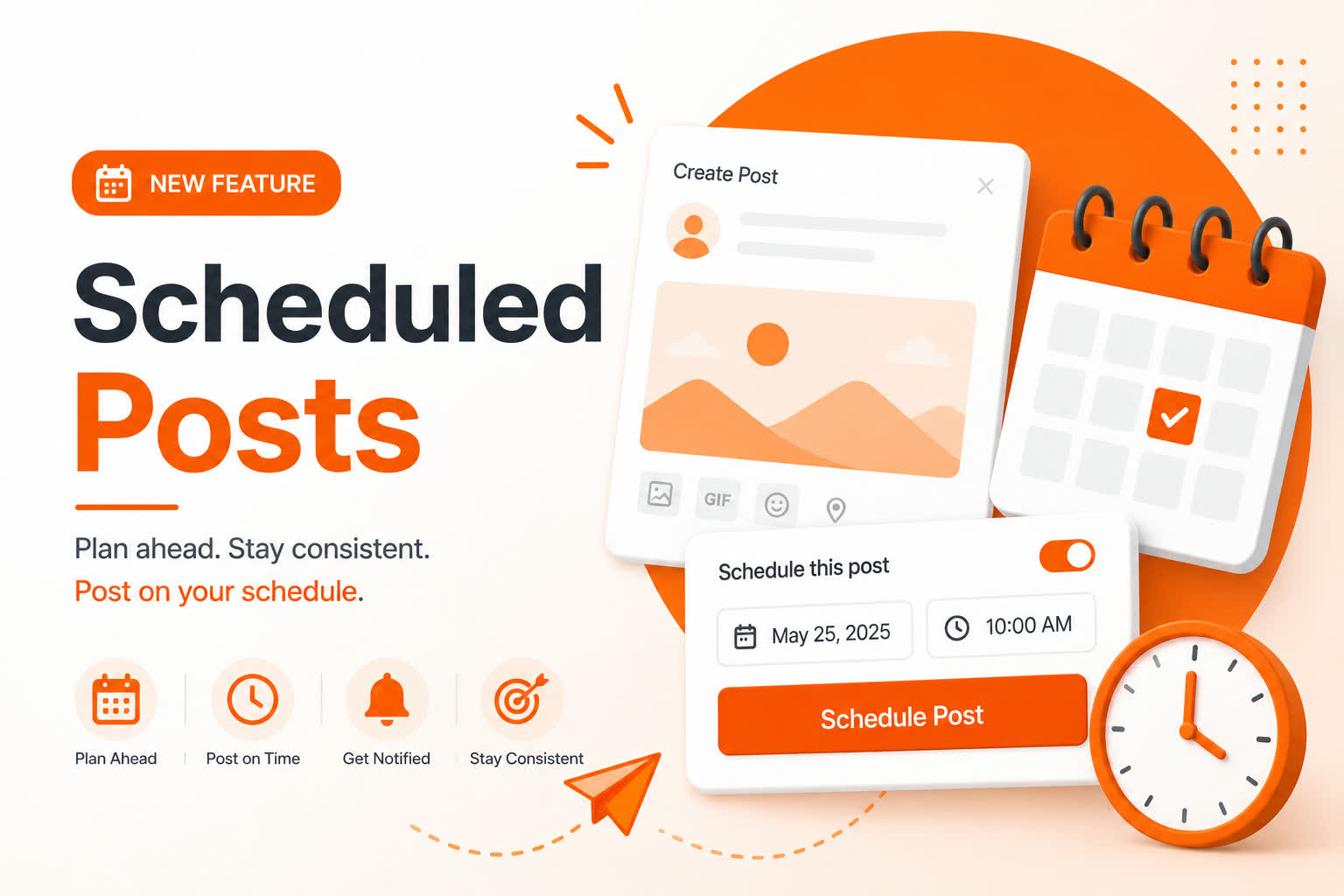
We're excited to introduce Scheduled Posts, a powerful new way to plan your newsfeed content in advance.
Timing matters. Whether you're sharing an important announcement, promoting a campaign, or simply staying active with your audience, Scheduled Posts help you publish at the right time, even when you're away from the platform.
Create your content today and let it go live automatically when the time is right. 🚀
✨ What Are Scheduled Posts?
Scheduled Posts allow you to write your content now and choose a future date and time for it to be published automatically.
Benefits include:
- 🗓️ Plan your content ahead of time
- ⏰ Post at the most effective times for your audience
- 📢 Organize announcements and campaigns more efficiently
- 🔔 Receive notifications when your scheduled posts go live
- 💼 Stay active even during busy days
👥 Who Can Use Scheduled Posts?
Scheduled posting is available to all users, with limits based on account type.
Standard & Unverified Users
- 📅 Schedule posts up to 7 days in advance
- 📝 Create up to 10 scheduled posts per day
⭐ Verified Users
- 📅 Schedule posts up to 30 days in advance
- 📝 Create up to 20 scheduled posts per day
These limits help maintain a fair and spam-free experience for everyone on the platform.
🚀 How It Works
Scheduling a post only takes a few seconds:
- ✍️ Create your post as usual
- ☑️ Enable
Schedule this post - 📆 Select your preferred date and time
- 🚀 Click Schedule Post
If scheduling is not enabled, your post will be published immediately as normal.
🌍 Timezone Support
We know that users around the world rely on accurate scheduling.
That's why Scheduled Posts use your personal timezone whenever available. If your timezone hasn't been set, the system automatically falls back to the platform's default timezone, central time (CT) USA.
This means:
- 🌎 Users can schedule based on their local time
- 🖥️ Posts publish correctly regardless of server location
- 🧮 No manual timezone calculations are required
🔔 What Happens When Your Post Goes Live?
Once the scheduled time arrives, your post is automatically published to the newsfeed.
If live popup notifications are enabled on your account, you'll also receive a notification confirming that your scheduled post has been published.
No extra action is required. Sit back and let the platform handle the rest. ✅
💡 Why Use Scheduled Posts?
Scheduled Posts are useful for a wide range of users:
- 🎨 Creators planning content around audience activity
- 🏢 Brands preparing product announcements and campaigns
- 👨💼 Community managers coordinating updates
- 📱 Busy users who want to remain active without posting manually
Consistency is one of the most effective ways to grow engagement, and Scheduled Posts make that easier than ever.
❓ Frequently Asked Questions
Can I edit a scheduled post?
✅ Yes. You can modify a scheduled post at any time before it is published.
Will my scheduled post publish automatically?
✅ Absolutely. Once the scheduled time arrives, the system publishes it automatically.
What if I select the wrong timezone?
🌍 The system uses your saved timezone whenever available. If no timezone is configured, the platform timezone will be used instead.
Can I create unlimited scheduled posts?
❌ No. Daily scheduling limits apply based on your account type to ensure fair usage and platform stability.
🎉 Final Thoughts
Scheduled Posts give you the freedom to create content on your schedule while ensuring it reaches your audience at the perfect time.
Whether you're a creator, business, community manager, or simply someone who likes to stay organized, this feature is designed to help you save time and stay consistent.
🚀 Give Scheduled Posts a try today from the post composer and start planning ahead.
💬 Have feedback or suggestions? We'd love to hear from you.