


Posted on Jan 29, 2026
Tip of the Day: Pin Post Requests
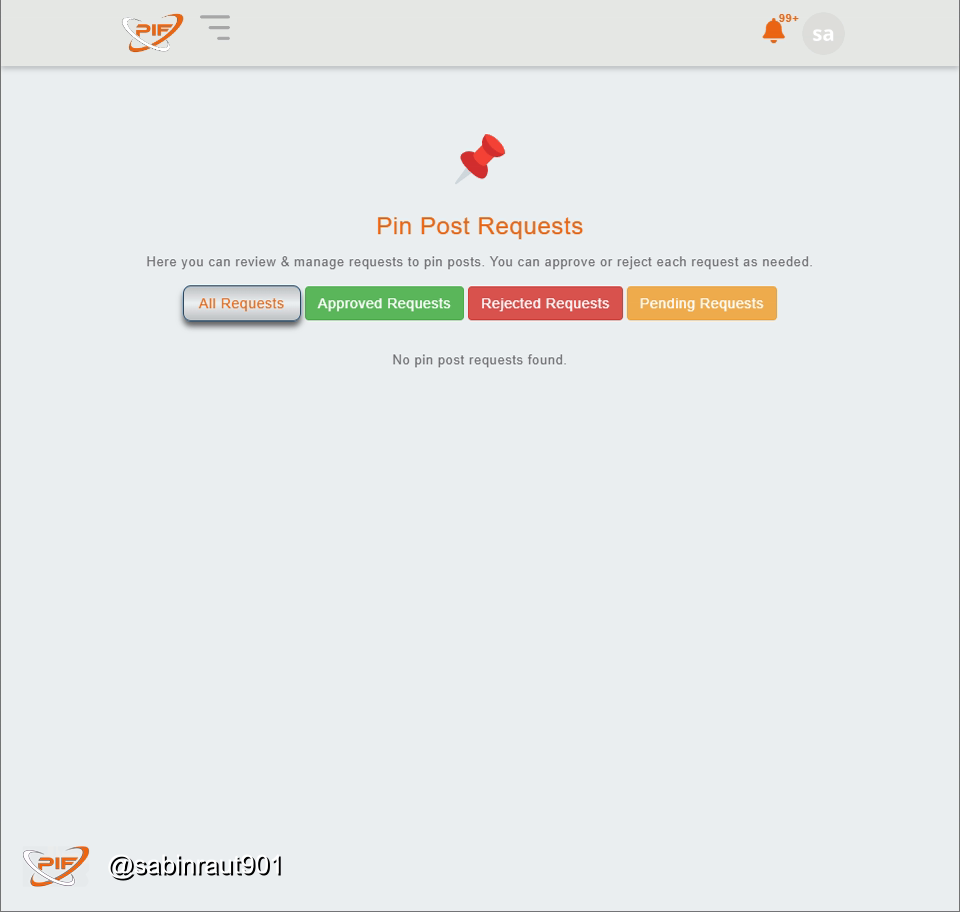
The Pin Post Requests feature lets important posts stay visible at the top of the feed so the community doesn’t miss them. It’s meant for announcements, helpful guides, or high value updates.
How to use it: create your post first, then submit a pin request from the Pin Post Requests section. Once reviewed and approved, your post gets pinned for everyone to see. Use this feature thoughtfully so pinned posts stay useful, relevant, and easy to trust.
Screenshot 2026-01-29 211237.p . . .
8
1
1
Comment
1
Repost







Posted on Jan 29, 2026
These pinned posts are pinned at the top of your timeline in your profile. 📌